10 Reinstall How To Windows
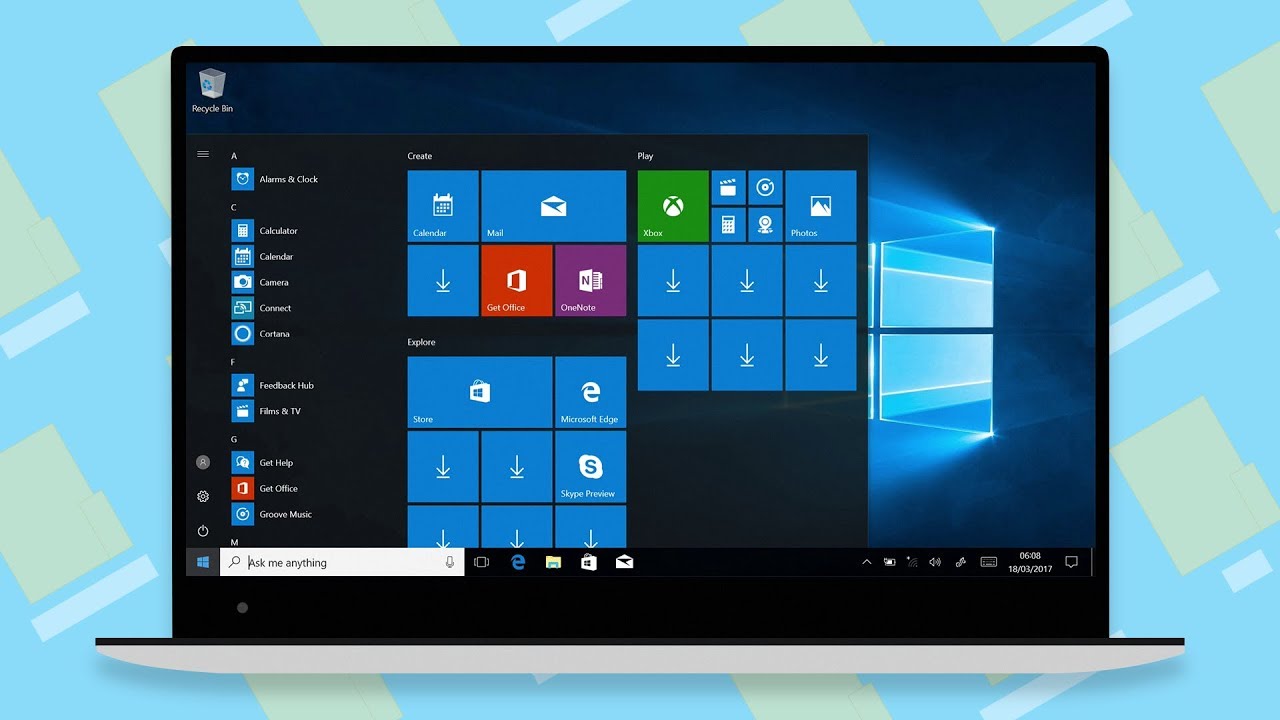
Download And Create Installation Media
For any windows 10 model, consisting of model 2004 (aka the may 2020 replace), here's the entirety you need to recognize before you repair, reinstall, or upgrade -along with information about activation and. An internet connection to down load the device and the home windows 10 photo. net service company charges may also apply. enough statistics storage available at the laptop you're clean putting in. notice that the download and photograph is over 3gb. test this stuff on the computer where you need to easy installation windows 10:.
Reinstall Windows 10 Home Windows Assist Aid Microsoft Com
The windows 10 improve 10 reinstall how to windows manner drags vintage files, settings, and packages out of your previous windows device in your new one. microsoft permits you to get an entirely sparkling device through acting a clean deploy. that is in particular beneficial in case you’ve bought a new windows 10 laptop and it consists of manufacturer-hooked up bloatware you don’t want. In which is the option to reinstall windows 10? assuming your pc can boot into windows 10, open the settings app (the cog icon to the lowest-left of the start menu), then click on on update &. Beginning with the windows 10 can also 2019 update (version 1903), reinstalling home windows 10 using installation media while selecting to ‘hold not anything’ (a clean install) will automatically enable reserved storage if the partition you reinstall home windows to is 20gb or large. reserved garage sets aside disk space to be utilized by updates, apps, brief files, and machine caches, accordingly enhancing the day.
A Way To Reinstall Default Apps In Windows10 Cnet
A smooth installation of windows is the proper way to move whilst all other software program troubleshooting you've got attempted has been unsuccessful and you need to install or reinstall a "clean" copy of windows lower back for your laptop. An internet connection to down load the device and the home windows 10 image. net provider company prices can also observe. enough information garage to be had on the pc you're easy putting in. notice that the down load and picture is over 3gb. take a look at this stuff on the pc in which you want to smooth set up windows 10:. Carry out a 10 reinstall how to windows reset from windows settings. reinstall by way of rebooting with set up media like a dvd or bootable usb force. reinstall from inside of windows with set up media. reset this computer for a easy install. this ought to be your first choice whilst looking to completely wipe your computer and re-install home windows 10. Restoration options in windows 10. content provided through microsoft. applies to: home windows 10. use set up media to reinstall home windows 10. use set up media to repair your laptop. use a recovery pressure to restore or get better your computer. move lower back for your preceding model of home windows.
How To Reinstall Windows 10 Digital Tendencies
I had home windows 8 preinstalled in my lenovo pc. based totally on the improve recommendation, i upgraded to home windows 10. my pc is very gradual (16gig ram & i7). i want to layout and reinstall sparkling windows 10. when i tried to go into the windows eight key in the back of my laptop within the home windows web site to get a replica of windows 10, it became rejected as invalid key. In case you do not want to reinstall your non-public software program, remember fixing your gadget with the aid of reinstalling windows 10 the use of installation media (see below). cross lower back to the preceding model of windows 10. reverting to a previous, higher appearing model of windows 10 can be an choice, but most effective in case you've obtained a windows 10 update inside the previous 10 10 reinstall how to windows days.

Windows save additionally called microsoft shop makes it easy to install, control, and uninstall apps with just a unmarried click in home windows 10. maximum of all, the home windows save app manages all the updates in the historical past so you don't have to manually replace the programs one at a time or ought to cope with the replace notifications as soon as you open your favored app. A easy installation of windows is the right manner to move when all different software troubleshooting you've got attempted has been unsuccessful and you need to put 10 reinstall how to windows in or reinstall a "smooth" copy of home windows returned for your pc.
Healing alternatives in windows 10. content provided with the aid of microsoft. applies to: windows10. use set up media to reinstallwindows10. use installation media to restore your laptop. use a recovery pressure to restore or get better your pc. cross returned in your previous model of windows. The proper way to reinstall a software software is to completely uninstall it and then to reinstall it from the most up to date set up supply you can discover. uninstalling and then reinstalling a software this way is absolutely pretty smooth however the precise method differs a chunk depending at the windows operating device you show up to be the use of. A way to reinstall windows. this wikihow teaches you a way to reinstall windows 10 from the settings menu, from a recuperation drive, or via using installation media. click on the start menu. it's commonly at the bottom-left corner of the screen.

Reinstall windows10 on a non-running computer in case you cannot boot into home windows 10 and so cannot comply with the steps above then try the following. first, activate your pc and search for any messages which. Talk: a way to reinstall default apps in home windows 10 sign in to comment. be respectful, preserve it civil and live on subject matter. we delete remarks that violate our coverage, which we inspire you to study. Approximately home windows 10 reinstall. home windows 10 reinstallation, additionally known as a home windows 10 in-location upgrade or windows 10 repair deploy, may be used to reload home windows 10 device files, registry keys, and configuration to a regarded running nation without the deletion or removal of consumer documents, settings, and software program. reinstalling windows 10 isn't similar to formatting and reinstalling windows or a smooth.
A way to reinstall home windows 10 every so often the problems are too tremendous for healing, and you want to perform a full wipe to eliminate corrupted statistics or in all likelihood to prepare a laptop you ought to. by way of mistakenly my pc hard power got formatted how can reinstall windows c force formatted while installing home windows 10 c drive formatted can a bitlocker locked pressure be formatted can formatted documents be copied to an external disk or a usb with out you A easy deploy of home windows is the right way to head whilst all different software program troubleshooting you have tried has been unsuccessful and also you want to put in or reinstall a "easy" replica of home windows back in your computer. A reset on home windows 10 will help you reinstall home windows 10 and removes all your private files. the drivers, the packages, the private changes which you made to settings, and the applications established by means of your computer producer may be eliminated as properly. but, if your computer came with home windows 10, apps out of your computer manufacturer.
See greater motion pictures for a way to reinstall windows 10. Starting with the home windows 10 may 2019 replace (model 1903), reinstalling home windows 10 the use of set up media at the same time as selecting to ‘hold nothing’ (a clean deploy) will automatically permit reserved storage if the partition you reinstall windows to is 20gb or larger. reserved storage units aside disk space to be utilized by updates, apps, transient files, and gadget caches, consequently improving the day. Talk: how to reinstall default apps in windows 10 sign in to comment. be respectful, hold it civil and stay on topic. we delete feedback that violate our coverage, which we inspire you to study. 10, eight, 7, xp and older running structures the way to reinstall home windows 10 the way to do a easy set up of home windows 10 how
How to reinstall home windows 10 on occasion the troubles are too massive for healing, and also you want to perform a full wipe to do away with corrupted records or in all likelihood to prepare a computer you would like to promote. Subsequent, it is time to reinstall home windows 10 without dropping facts. within the following sections, you'll learn how to reinstall windows 10 with out cd and a way to reinstall home windows 10 with usb power. case 1: reinstall home windows 10 without cd or usb. ① reinstall home windows 10 whilst keeping files. A way to re-check in microsoft shop app in home windows 10 the microsoft save app in home windows 10 offers diverse apps, video games, tune, films & television, and books that users can browse via, buy, or get at no cost to download and deploy for their.


Komentar
Posting Komentar