Code To Vs How
Git The Way To Commit Code From Vs Code To Github Stack
Matters has been a touch bit modified due to the today's updates on visible studio code. the subsequent steps work for me. press ctrl + shift + p to open the visual studio code command palate. type >choices: open settings (json) within the textual content vicinity. add the following traces at the stop of the json report that is displayed for your right hand pane. Personal home page in visual studio code. visible studio code is a extraordinary editor for php improvement. you get features like syntax highlighting and bracket matching, intellisense (code crowning glory), and snippets out of the box and you may upload extra functionality thru community-created vs code extensions.. linting.
Visible studiocode ide. following steps indicates the way to absolutely take away visual studio code ide from home windows.. step 1. go to where visual studio code is established and invoke 'uninst000. exe'. in my case it's far established in c:usersjoeappdatalocalprogramsmicrosoft vs code. step 2. Incorporated terminal. in visual studiocode, you could open an incorporated terminal, initially beginning at the root of your workspace. this will be convenient as you do not need to switch home windows or code to vs how alter the kingdom of an present terminal to perform a quick command-line challenge. Explore vs code features inside the interactive editor playground. learn extra. person interface view the documentation for vs code. setup assessment documentation for buying up and walking with vs code, along with platform unique setup. keyboard shortcuts customise your own shortcuts, download a reference sheet, or deploy a keymap extension. Visual studio code is a code editor redefined and optimized for constructing and debugging modern net and cloud packages. visual studio code is unfastened and available on your preferred platform linux, macos, and home windows.
Installation the extension from inside vs code. as code to vs how an alternative, from inside vs code look for 'visible studio codespaces' in the extensions side bar, pick the extension from the listing, and press the install button. use the visible studio codespaces panel. whilst effectively hooked up, the codespaces panel may be to be had within the remote explorer pane. Visible studio code with the c extension installed. for statistics about how to installation extensions on visual studio code, see vs code extension market. the. net middle 3. 1 sdk or later; create the app. open visual studio code. create a challenge. select report > open folder/open from the principle menu, create a helloworld folder, and click pick out folder/open. The following time you open vs code, or you turn venture, instead of commencing a folder, you open a workspace, and on the way to automatically open the folder containing your code, and it'll don't forget all of the settings you place precise to that workspace.
Create A Console Application With Net Middle Using Visual
How Do I Use Bash On Home Windows From The Visible Studio Code
Java in visual studio code. aid for java in visible studio code is provided via a huge range of extensions. mixed with the code to vs how strength of core vs code, those extensions give you a light-weight and performant code editor that still supports most of the most common java development strategies. To open the terminal: use the ⌃` (windows, linux ctrl+` ) keyboard shortcut with the backtick person. use the view > terminal menu command. from the command palette ( ⇧⌘p (home windows, linux ctrl+shift+p ) ), use the view: toggle included terminal command.
Included Terminal In Visible Studio Code
If visible studio code isn't picking up your register after you whole the sign-in method in the browser, see sign in the use of a person code. in any other case, take a look at out troubleshooting for more guidelines. sign in the use of code to vs how a person code. if you are strolling into troubles with vs code now not choosing up a finished sign in, you may input a "consumer code" alternatively. Visual studiocode is the pass-to code editor for salesforce developers. it is loose, open-source, and available for home windows, linux, and macos. this editor has smooth-to-deploy extensions for syntax highlighting, code final touch, and more. in this challenge, we installation visual studio code and the encouraged salesforce extension %. Mac customers: this may download the modern-day model of visual studio code for mac as a. zip file. linux users:. deb and. rpm are one of a kind report kinds for storing statistics. we propose you download the. deb record so auto-updates paintings as the visible studio code documentation indicates. as soon as the visual studio code file is completed downloading, we want to. Person interface view the documentation for vs code. setup review documentation for buying up and running with vs code, such as platform unique setup. keyboard shortcuts personalize your own shortcuts, down load a reference sheet, or installation a keymap extension.
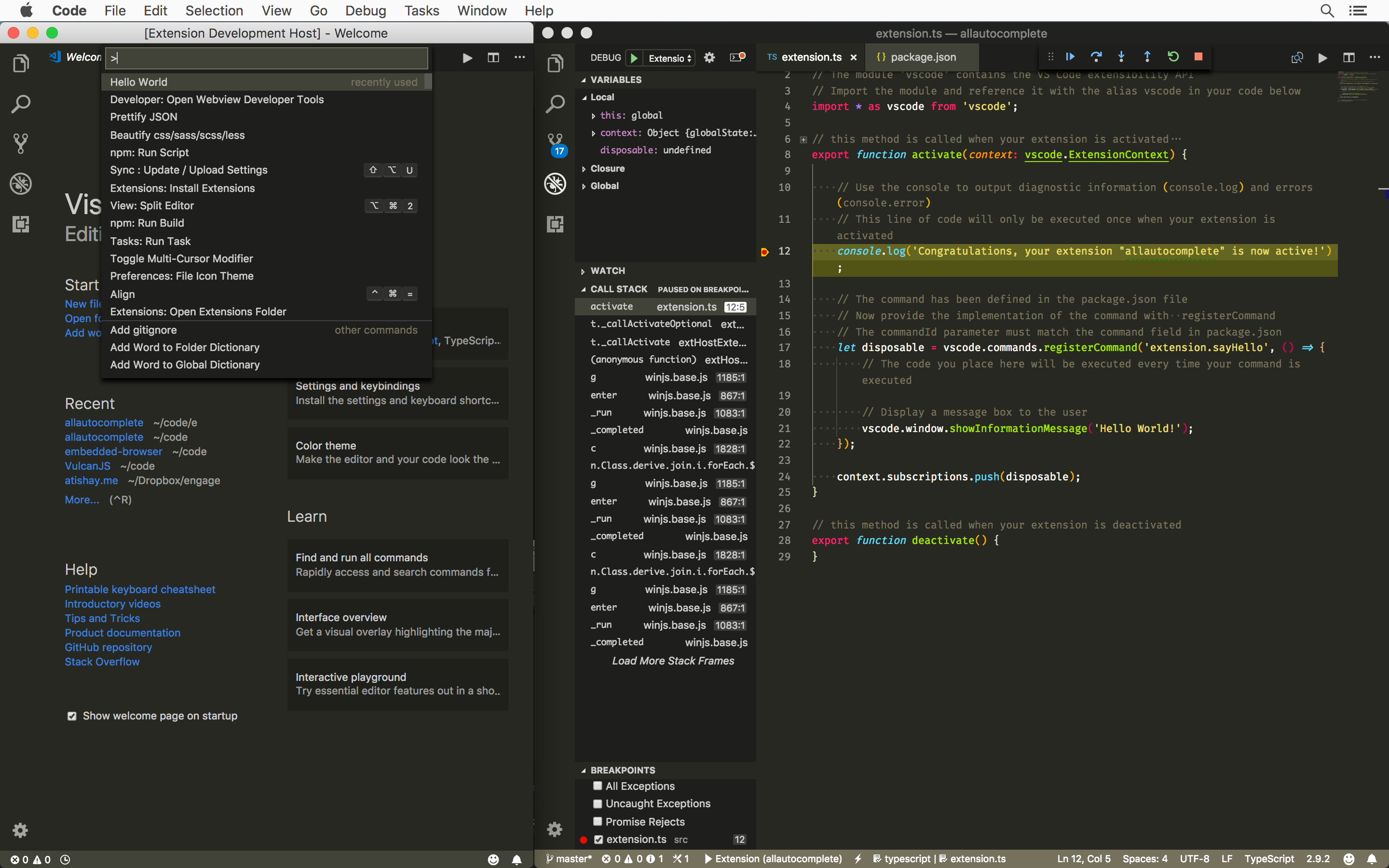
Visual Studio Code Code Enhancing Redefined
Visible studio code vs. visual studio: the way to pick determining among visible studio code and visible studio might also depend as plenty on your paintings fashion as at the language support and features you need. See extra films for the way to vs code. As a part of talentaccurate’s python-75-task far flung hackathon anaconda surroundings setup could be very plenty wanted. so, to get started out with putting in anaconda surroundings and complementing it.
Visual studio code is a code editor redefined and optimized for building and debugging cutting-edge net and cloud programs. visible studio code is unfastened and available to your favourite platform linux, macos, and windows. Visual studio code suggestions and hints "pointers and tricks" lets you jump proper in and discover ways to be effective with visible studio code. you will come to be acquainted with its effective enhancing, code intelligence, and source code control functions and research beneficial keyboard shortcuts. Run your code using code runner. use the shortcut ctrl+alt+n; or press f1 after which select/kind run code; or right-click the text editor after which click run code inside the editor context menu; the code will run and the output might be proven within the output window. open the output window with `ctrl+ shortcut. to prevent the running code. use the shortcut.
Visible studiocodevs. visible studio: the way to pick out finding out between visual studiocode and visible studio can also rely as a good deal to your paintings style as at the language help and functions you need. Visual studio code opens a brand new undeniable text document through default. pick plain text on the decrease fame bar, or press ctrl+okay > m, and pick sq. from the languages dropdown. observe. if that is the primary time you have used the extension, the extension installs assisting sq. server gear. I need to apply visible studio code and gitlens to devote or push code to the new repository from github, but i cannot discover a appropriate academic with consumer pleasant method approximately the way to use gitlens so that you can commit code to github. i've installed git, vs code and gitlens. Visual studio code; installation and setup. observe the set up an editor instructions to put in the dart and flutter extensions (also called plugins). updating the extension. updates to the extensions are shipped on a ordinary basis. through default, vscode mechanically updates extensions when updates are to be had. to install updates manually:.
Python is an interpreted language, and as a way to run python code and get python intellisense, you need to tell vs code which interpreter to apply. from inside vs code, choose a python three interpreter through beginning the command palette ( ⇧⌘p (home windows, linux ctrl+shift+p ) ), start typing the python: pick out interpreter command to look, then select. To get the code modifying functions of ionide, your f documents need to be saved to disk and inner of a folder this code to vs how is open within the visible studio code workspace. if you've made changes for your gadget or established ionide stipulations with visible studio code open, restart visible studio code. Visual studio code guidelines and hints "recommendations and tricks" helps you to leap proper in and discover ways to be efficient with visual studio code. you will come to be acquainted with its effective modifying, code intelligence, and supply code control features and examine useful keyboard shortcuts.
Set up the extension from inside vs code. rather, from inside vs code look for 'visible studio codespaces' inside the extensions side bar, select the extension from the list, and press the deploy button. use the visual studio codespaces panel. while correctly mounted, the codespaces panel might be to be had inside the far flung explorer pane. A way to use visual studio code. visual studio code is completely open source, and charges no money to apply. it has grow to be my preferred editor, over atom and chic textual content. desk of contents research vs code.


Komentar
Posting Komentar