Excel How Or To In
The educational suggests the way to write an if or statement in excel to check for diverse "this or that" conditions. if is one of the most popular excel capabilities and very beneficial on its own. combined with the logical capabilities along with and, or, and now not, the if feature has even more price as it allows testing more than one situations in desired combos. in this educational, we will consciousness on using if. Excel greater than or equals to is an operator which is a comparison operator in excel, this operator is utilized in specific or similar values or cells, the symbol for this operator is as follows >= the first symbol is for extra than and the second one symbol is for equals to, this feature returns fee true if the first fee is either greater than or equals to the second cost and returns a.
The Way To Use The Excel Capabilities Or And And With Examples
You can usually ask an expert in the excel tech network, get help inside the answers community, or advise a brand new characteristic or development on excel user voice. see also learn how to use nested functions in a method. Excelformulas also can be advanced the usage of mobile references. persevering with with our example, you will not enter the numbers 3 and 2, but as an alternative could name cells where those numbers have been entered (see the usage of cell references below for greater on cellular naming). whilst you write a formulation this way, the formula cellular always shows the sum of the numbers in the ones cells, although the numbers alternate. This video will display you the way to insert extra than or same to symbol in excel. a way to insert more than or same to image in excel. The or function returns true if any of its arguments compare to authentic, and returns fake if all of its arguments compare to fake.. one commonplace use for the or characteristic is to increase the usefulness of other functions that perform logical exams. for example, the if feature performs a logical check after which returns one value if the test evaluates to true and another fee if the check evaluates to.
If or aren't a single announcement these are two logical functions that are used to together some times in vba, we use those two logical functions together while we've a couple of criteria to test with and if anybody of the standards is fulfilled we get the true end result, when we use the if assertion or assertion is used between the two standards’s of if statement. Or system in excel (table of contents) or formulation in excel; how to use or formula in excel? or system in excel. ms excel gives numerous logical inbuilt functions one in every of them is the or characteristic, that's used to test multiple situation or circumstance on the same time. as it's far a logical feature it'll best return authentic or fake.
Or Function Office Help
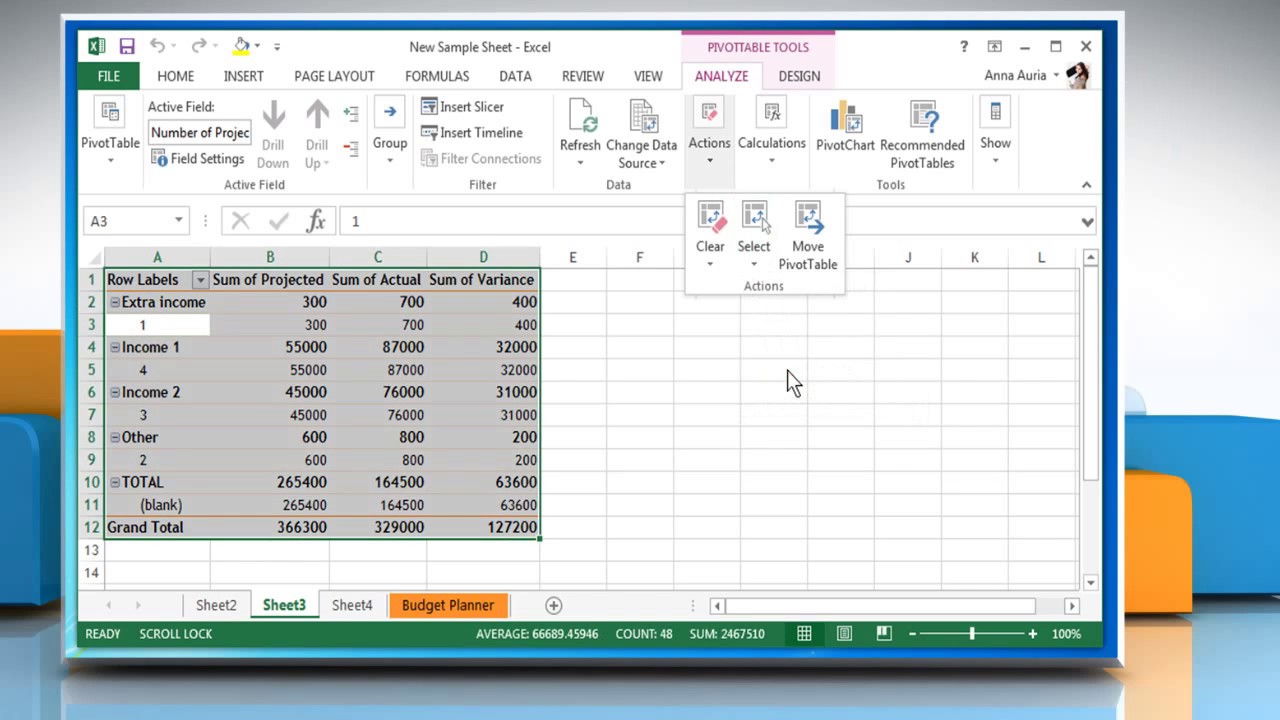
Excel system education. formulation are the important thing to getting things performed in excel. in this accelerated schooling, you'll learn how to use formulation to manipulate text, paintings with dates and times, lookup values with vlookup and index & match, count number and sum with criteria, dynamically rank values, and create dynamic stages. Description. the microsoft excel or characteristic returns authentic if any of the situations are proper. otherwise, it returns false. the or feature is a built-in characteristic in excel that is labeled as a logical feature. excel how or to in it could be used as a worksheet characteristic (ws) in excel.
Or Feature Office Assist
How to use the excel capabilities or & and (workout record + examples). written through co-founder kasper langmann, microsoft office specialist.. most of excel’s capabilities cope with numbers and making calculations with them.. but some functions have a specific cause: they clear up logical statements and show precise values based at the results. Excel functions, formulation, charts, formatting creating excel dashboard & others the end result of or characteristic will either actual or fake, as in keeping with the situation. it will result in actual if any of the situation or argument evaluates in shape the given circumstance. The excel and feature is a logical function used to require more than one condition on the same time. and returns either proper or fake. to check if a variety of in a1 is greater than 0 and less than 10, use =and(a1>0,a1.
A way to use the if feature. the if characteristic is the primary logical function in excel and is, therefore, the one to apprehend first. it'll seem severa instances at some point of this newsletter. excel how or to in let’s have a observe the structure of the if function, after which see a few examples of its use. the if characteristic accepts three bits of statistics:. The or characteristic returns authentic if any of its arguments compare to genuine, and returns fake if all of its arguments evaluate to false.. one commonplace use for the or feature is to amplify the usefulness of different capabilities that perform logical checks. for example, the if characteristic plays a logical test after which returns one value if the test evaluates to authentic and some other value if the test evaluates to.

This newsletter makes use of a sample worksheet to illustrate excel built-in features. remember the instance of referencing a name from column a and returning the age of that man or woman from column c. to create this worksheet, input the following facts into a clean excel worksheet. you will type the fee that you need to find into cell e2. The equal method have to be applied whilst you use excel's identical to operator within the logical test of the if characteristic. you could locate greater info as well as a few components examples in this educational: the usage of excel if function with dates. example 2. Excel makes it smooth to comb thru your whole data set and type the entirety right into a easy and easy to study spreadsheet. right here’s how you do it: spotlight the complete information set you need to kind (no longer just one column! ) via both dragging your cursor throughout all the cells or clicking the triangle in the top left of your spreadsheet to choose the. The or feature in excel returns actual if any of the conditions are genuine and returns false if all conditions are fake. integrate the or function with different features and become an excel professional.. 1. for instance, take a look at the or feature in cellular d2 beneath.
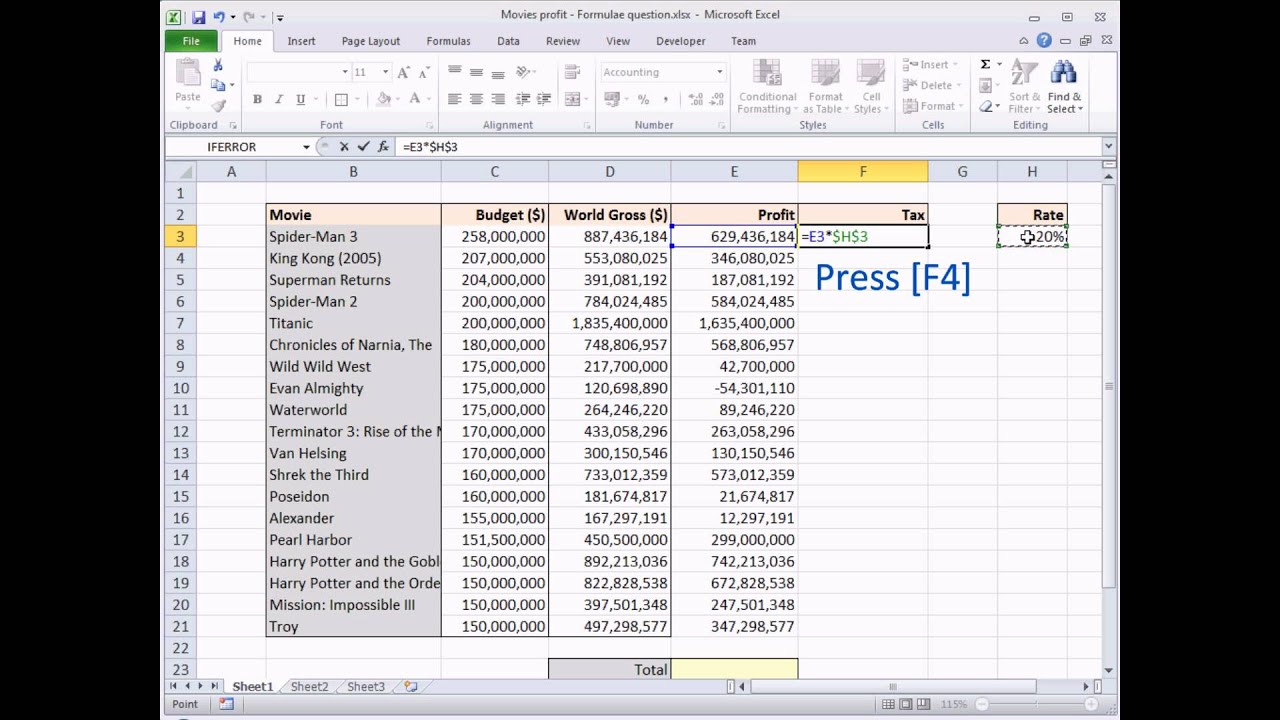
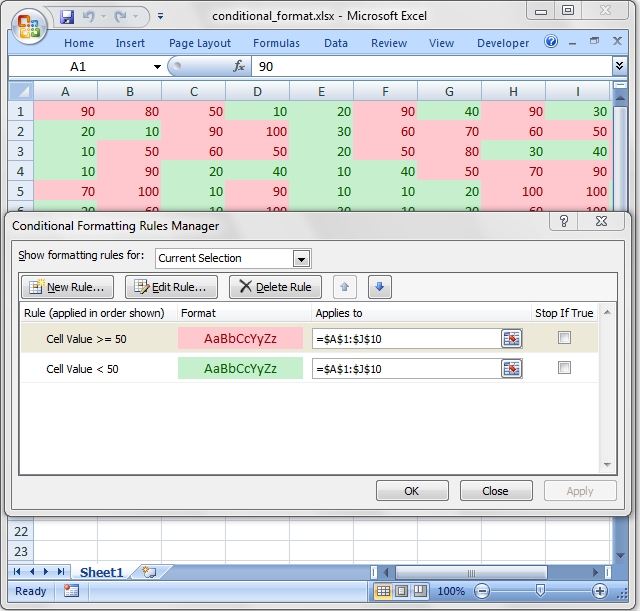
The excel and function is a logical function used to require multiple condition on the identical time. and returns both actual or fake. to check if more than a few in a1 is greater than zero and much less than 10, use =and(a1>zero,a1. Excel's and & or functions. once you've got a take care of on the real and false capabilities mixed with excel's logical operators, it's time to study a pair of new features in an effort to assist you to combine your information in absolutely new approaches: the and and or features. and and or do just what you would assume: test to see whether or not a couple of situations are real in diverse approaches. Demonstrate using the good judgment characteristic and within an if function. then, use the or feature with an if. demo record: www. patreon. com/posts/3. A way to use if function with and, or, and no longer in excel? in excel, the if feature is pretty useful to check whether or not a mobile meets a condition and go back unique values based totally on evaluated consequences (proper and false). and mixing the if characteristic and and, or, not features, it will vary situations to test cells.
The and, or, and if capabilities are a number of excel's higher regarded logical capabilities which can be normally used collectively. commands in this article observe to excel 2019, 2016, 2013, 2010, 2007; excel for microsoft 365, excel online, and excel for mac. Layout textual content if vital. if you want to change the way a cell's text is formatted (e. g. if you need to alternate it from cash formatting to date formatting), click on the house tab, click the drop-down field on the pinnacle of the "quantity" section, and click on the type of formatting you want to apply.. you can also use conditional formatting to motive your cells to change primarily based on elements in the spreadsheet. Puneet is the usage of excel given that his college days. he helped lots of human beings to understand the energy of the spreadsheets and research microsoft excel. you could find him on line, tweeting about excel, on a walking song, or every now and then trekking up a mountain. The and, or, and if functions are a number of excel's better recognised logical features which are usually used collectively. commands in this article practice to excel 2019, 2016, 2013, 2010, 2007; excel for microsoft 365, excel on-line, and excel for mac.
Description. the microsoft excel or characteristic returns actual if any of the situations are proper. otherwise, it returns fake. the or characteristic is a integrated characteristic in excel that is categorised as a logical characteristic. it could be used as a worksheet function (ws) in excel. A way to use if function with and, or, and no longer in excel? in excel, the if function is quite beneficial to test whether or not a mobile meets a condition and return different values based on evaluated consequences (real and fake). and mixing the if feature and and, or, not functions, it's going to range situations to check cells. You could constantly ask an expert within the excel tech excel how or to in network, get aid within the solutions community, or advise a new function or improvement on excel consumer voice. see also discover ways to use nested functions in a components.


Komentar
Posting Komentar