Excel In How And To
The excel and function is a logical function used to require a couple of condition at the same time. and returns both real or false. to test if a number of in a1 is greater than zero and less than 10, use =and(a1>zero,a1 500 formula examples, thoughtfully defined. This wikihow article teaches you the way to exchange a comma to a dot in excel. manually replacing commas with dots in excel may be a time-consuming mission. you might run into this example due to european countries using commas excel in how and to as a decimal separator rather than a length. fortuitously, this problem may be constant pretty without problems. Welcome to the way to excel! i’m john, and my purpose is that will help you grasp excel! you’ll find a ton of awesome recommendations & tricks full tutorials templates and different awesome stuff right here to help you keep time and effort to your ordinary paintings.
Now Not Identical To In Excel The Way To Use Now Not Identical To Operator
The identical approach have to be applied when you use excel in how and to excel's same to operator in the logical take a look at of the if function. you can discover extra info as well as a few method examples in this academic: the usage of excel if characteristic with dates. example 2. The way to excel is the nice unfastened web page i’ve located for studying whatever excel associated. i would surprisingly advocated it! janet. seattle, america. i’ve never seen such properly concept out excel classes before. thanks so much and hold up the good paintings! hans. trier, germany.
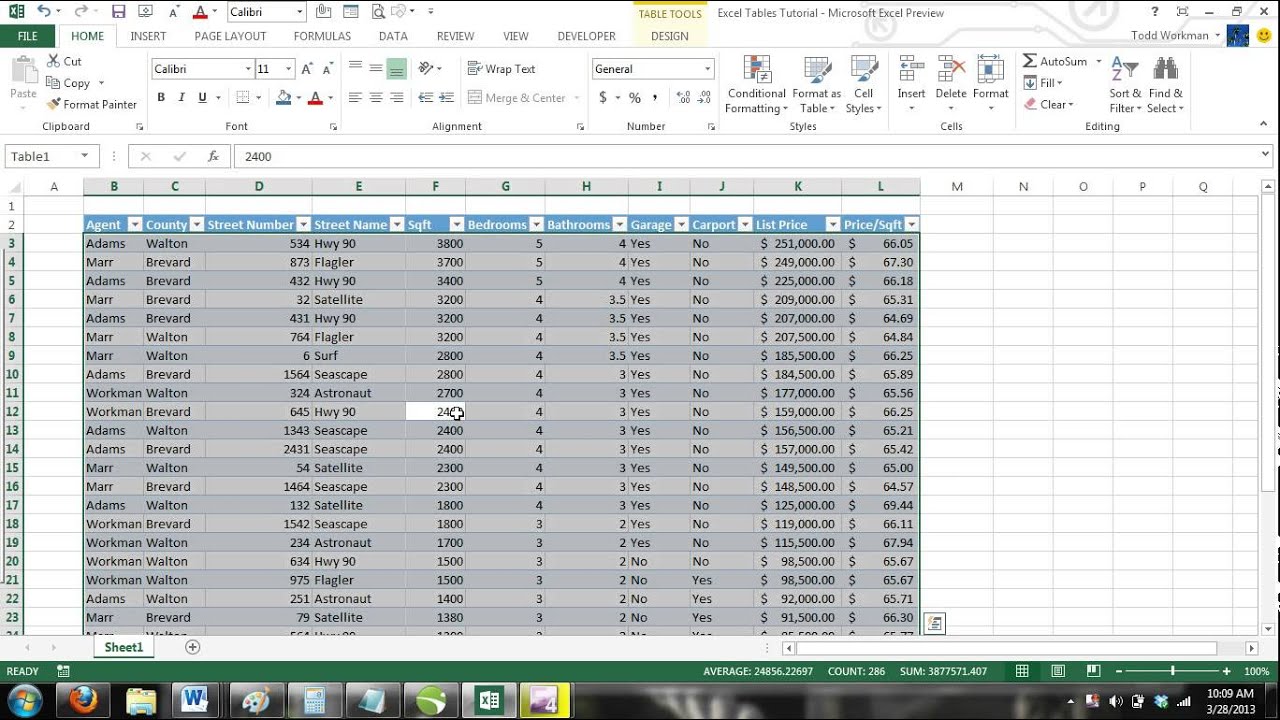
The Way To Use Excel 18 Simple Excel Tips Tricks And Shortcuts
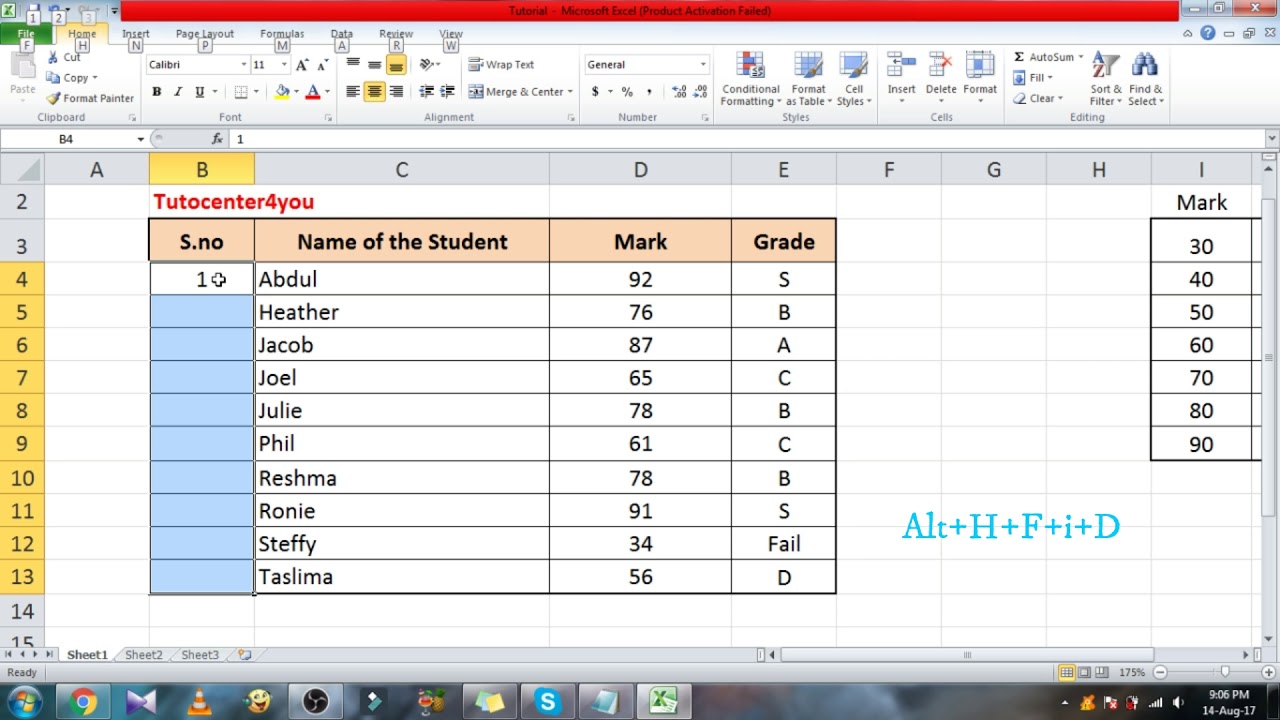
A way to use the excel or characteristic exceljet.
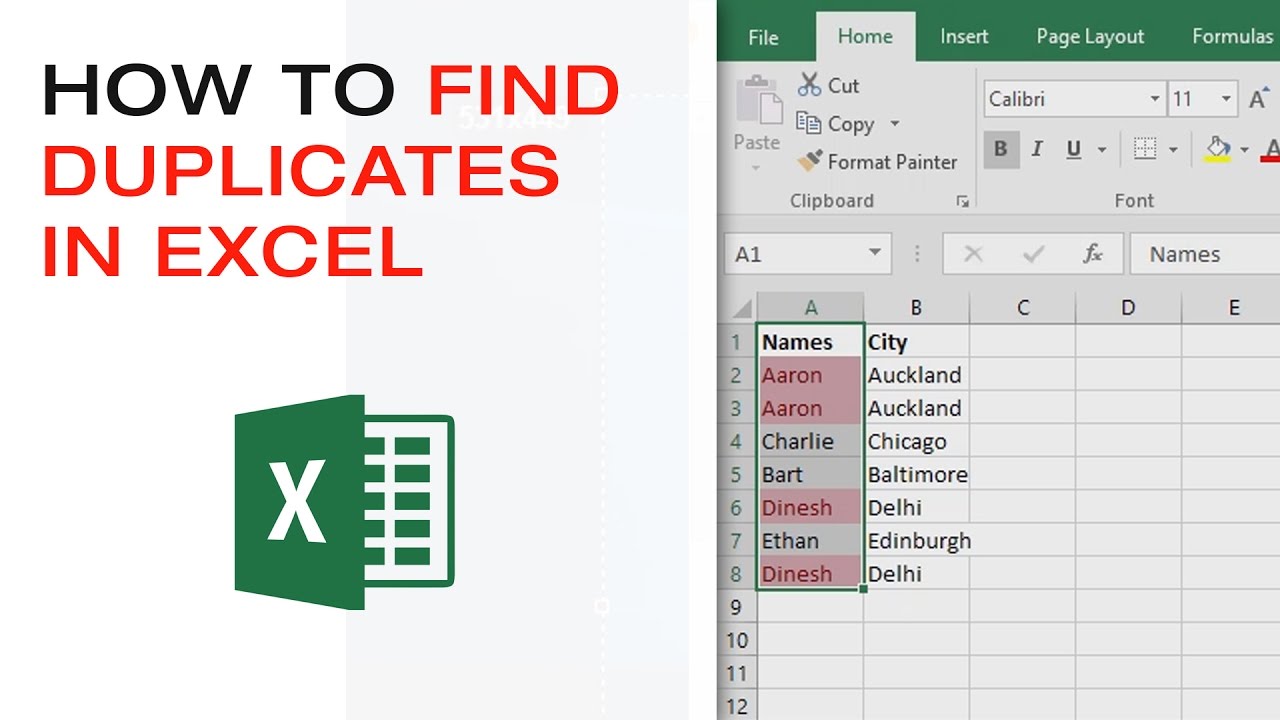
A Way To Use The Excel Or Characteristic Exceljet
Excel is one of the maximum effective software tools within the world for gathering, reading, and summarizing records. however its top notch energy comes at a value: excel is a big program, and it may take beginners months or even years to master it. In case you want to apply an excel template (e. g. a finances planner template), scroll down till you locate the template you want to apply and then click on it as soon as to open its window. in case you just need to open a new blank excel report, click the blank alternative inside the top-left aspect of the page after which pass the subsequent step.
The or feature returns actual if any of its arguments evaluate to real, and returns false if all of its arguments evaluate to false.. one common use for the or function is to amplify the usefulness of other features that perform logical checks. for instance, the if function performs a logical take a look at and then returns one cost if the test evaluates to authentic and any other cost if the test evaluates to. See greater movies for the way to and in excel.
Relative and absolute mobile reference: why use $ in excel.
The Way To Use Excel With Pictures Wikihow
The excel and feature is a logical characteristic used to require a couple of situation on the identical time. and returns either actual or fake. to check if quite a number in a1 is greater than zero and much less excel in how and to than 10, use =and(a1>0,a1. 10).. the and feature can be used because the logical check in the if characteristic to keep away from more nested ifs, and can be combined with the or function. Excel guidelines. 1. use pivot tables to understand and make experience of records. pivot tables are used to reorganize statistics in a spreadsheet. they may not change the records 2. add multiple row or column. 3. use filters to simplify your facts. 4. get rid of replica information points or units. 5. transpose rows into.
Spotlight the whole records set you need to kind (now not simply one column! ) by using either dragging your cursor across all the cells or clicking the triangle inside the higher left of your spreadsheet to choose the entire aspect. hit the “facts” tab. click the “kind” button. pick out the way you want to type your information (in the instance beneath, i taken care of by metropolis! ). The way to use if characteristic with and, or, and no longer in excel? in excel, the if characteristic is pretty beneficial to check whether or not a mobile meets a situation and return exclusive values based totally on evaluated consequences (authentic and false). and combining the if feature and and, or, no longer capabilities, it's going to vary conditions to test cells.
Three. use the code. reproduction the code given below and beyond it to the microsoft visible simple module and keep it. now visit your excel sheet and to access the code name inttostring function like given within the image. Before spending hours and hours counting cells or copying and pasting facts, look for a brief fix on excel -you will probable find one. inside the spirit of operating greater successfully and keeping off tedious, manual paintings, right here are some excel hints to get you started with the way to use excel. Layout text if important. in case you want to alternate the manner a mobile's textual content is formatted (e. g. if you need to alternate it from money formatting up to now formatting), click on the house tab, click the drop-down box at the top of the "number" phase, and click on the form of formatting you need to apply.. you could additionally use conditional formatting to reason your cells to trade based totally on factors within the spreadsheet.
In excel, you could create custom format with the format cells characteristic to resolve this challenge, please do as follows: 1. pick the listing of numbers that you need to format. 2. then right click, and select format cells from the context menu, see screenshot: 3. These excel tutorials for novices consist of screenshots and examples with distinctive step-with the aid of-step commands. observe the hyperlinks beneath to learn everything you want to get up and walking with microsoft's famous spreadsheet software. Excel makes it smooth to comb through your entire records set and type the entirety right into a smooth and easy to study spreadsheet. here’s the way you do it: highlight the complete records set you want to sort (not just one column! ) via both dragging your cursor across all the cells or clicking the triangle inside the top left of your spreadsheet to pick out the.
Excel is a effective software—however it is able to also be very intimidating. that’s why we’ve prepare this novice’s manual to getting began with excel. it's going to take you from the very starting (beginning a spreadsheet), thru coming into and operating with records, and end with saving and sharing. Excel relative cell reference (without $ signal) a relative reference in excel is a mobile deal with without the $ sign in the row and column coordinates, like a1.. while a formulation with relative cell references in copied to another cell, the reference adjustments based on a relative function of rows and columns. Formula for the exponentiation in excel. examples of the use of the =power characteristic. the usage of the function wizard: begin the feature wizard by using the hotkey mixture shift + f3 or click on on the button at the beginning of the method line "fx" (insert function).
You may constantly ask an professional inside the excel tech network, get help inside the answers community, or suggest a new function or development on excel person voice. see also learn how to use nested features in a components. These excel tutorials for novices include screenshots and examples with exact step-through-step instructions. comply with the hyperlinks underneath to analyze the whole thing you need to get up and running with microsoft's famous spreadsheet software program. Excel translates the text as a date inside the mm/dd/yyyy format, converts the dates to serial numbers, and then calculates the difference among them. =sqrt ("8+1") cost! excel can not convert the textual content to more than a few due to the fact the text "8+1" can't be converted to a range of.
Create a components with cellular references. excel in how and to first, you must populate the spreadsheet with records. open a brand new excel report and choose mobile c1 to make it the lively cell. type three within the cell, then press enter in your keyboard. cellular c2 should be selected. if it's not, pick out cell c2. type 2 within the cell and. “now not equal to” in excel system. the usage of “no longer same to” argument in excel is the maximum critical vicinity that should be well explored as this isn't always regarded to maximum of the humans that how we will insert the expression of “not same to” within the logical functions. Excel has a fraction wide variety format with the intention to allow us to enter our values as fractions, so we'll choose column b after which use the quantity layout command on the home tab follow the fraction wide variety layout. notice that we're using excel 2013 in this example, however this can work the same manner in excel 2010 and excel 2007.
Study the fundamentals of the usage of microsoft excel, which include the anatomy of a spreadsheet, the way to enter information, how to make your statistics look excellent so it is less complicated to read and use, and extra. The excel and feature is a logical feature used to require multiple circumstance at the identical time. and returns both actual excel in how and to or false. to test if various in a1 is extra than 0 and less than 10, use =and(a1>zero,a1.


Komentar
Posting Komentar