File How To Zip In Mac
now which you recognize what gzip is and the way agz document differs fromzip, allow us to observe some simple commands you will be in linux on the terminal (command prompt) to gzip a record, simply type: gzip filename it Whilst a zip report incorporates multiple gadgets, the unzipped documents are saved in a folder that has the equal call because the zip report. as an example, if you unzip a record referred to as archive. zip, the documents are located in a folder known as archive. this folder is placed within the identical folder as the archive. zip file. On your mac, do any of the following: compress a record or folder: control-click it or faucet it the use of palms, then pick out compress from the shortcut menu. if you compress a unmarried item, the compressed report has the name of the unique item with the. zip extension. if you compress multiple gadgets immediately, the compressed document is known as archive. zip.
A way to make a zipper archive in mac os x. you may use this to create zip documents of documents, folders, or each: discover the objects to zip within the mac finder (record device) right-click on a report, folder, or documents you want to zip; choose “compress objects” locate the newly created. zip archive inside the equal directory. How to zip a file on a mac. if you have numerous vintage files and documents taking on space in your pc, you can compress them into an archive to store area. mac os x allows you to compress documents without delay from the working system. you. How to zip a single record or folder. locate the report to your gadget which you need to compress; right-click on on the file and choose “compress [filename]” zip a unmarried document on mac your record will be compressed into a zip document with the same name however. zip extension in the same listing/folder. ; how to zip/compress multiples documents on a macos.
Open a finder window and navigate to the file or folder you want to compress. control-click on (or proper-click on if you have a mouse with that capability) the object and pick compress from the pop-up menu. the name of the item. Turning a conventional file (whether or not photograph, video, tune record, file or different type) or folder right into a compressed zip record could be very clean on a mac: proper-click on (or ctrl-click) the file or folder. See greater videos for how to zip record in mac.
Five. within the drop-down menu that looks, click on on “compress. ” a zip record can be created within the same directory because the authentic folder. the way to zip documents using mac terminal you may zip your files in mac’s terminal in unique ways, however the best technique will be mentioned here for you. 1. open up a finder window. 2. A tutorial in a way to. zip (compress) files on a mac to archive them or ship them to buddies and co-workers (mac os x 10. 12 sierra). Compress a document or folder: manipulate-click it or tap it the use of two arms, then choose compress from the shortcut menu. if you compress a unmarried object, the compressed file has the call of the unique item with the. zip extension. in case you compress multiple items right now, the compressed file is referred to as archive. zip.
A Way To Open Zip Files On Mac Os Os X Daily
.png "How To Zip A Report On Mac And Laptop Hellotech How")
Zipfiles are documents that feature as a single compressed bundle of a both a couple of documents, a folder, or a single object. zip files are file how to zip in mac often encountered while downloading stuff from the internet or somewhere else to a mac, and even as the zip format used to be extensively constrained to the windows international,. zip documents are regularly created and used on mac os now too. How to zip a file on mac turning a conventional document (whether image, video, tune record, document or other type) or folder into a compressed zip document could be very clean on a mac: proper-click on (or. How to unzip files on mac computer systems. double click on the zipped report. the document will robotically be decompressed with the aid of archive utility into the identical folder the compressed record is in. access the extracted documents via clicking the suitable icons.
Greg disch images pictures workshops.
A way to open. zip files on macos. beginning. zip documents on a mac couldn’t be easier: just double-click the. zip document and the uncompressed contents will seem subsequent to it. if you try this in a finder window and don’t at once file how to zip in mac see the contents, attempt organizing through call or date modified. The way to zip a report or folder on mac click on the finder icon to your mac's dock to make certain it is the active application. proper-click (or manage-click ) on the file or folder you need to compress.
A way to create & open zip files on mac.

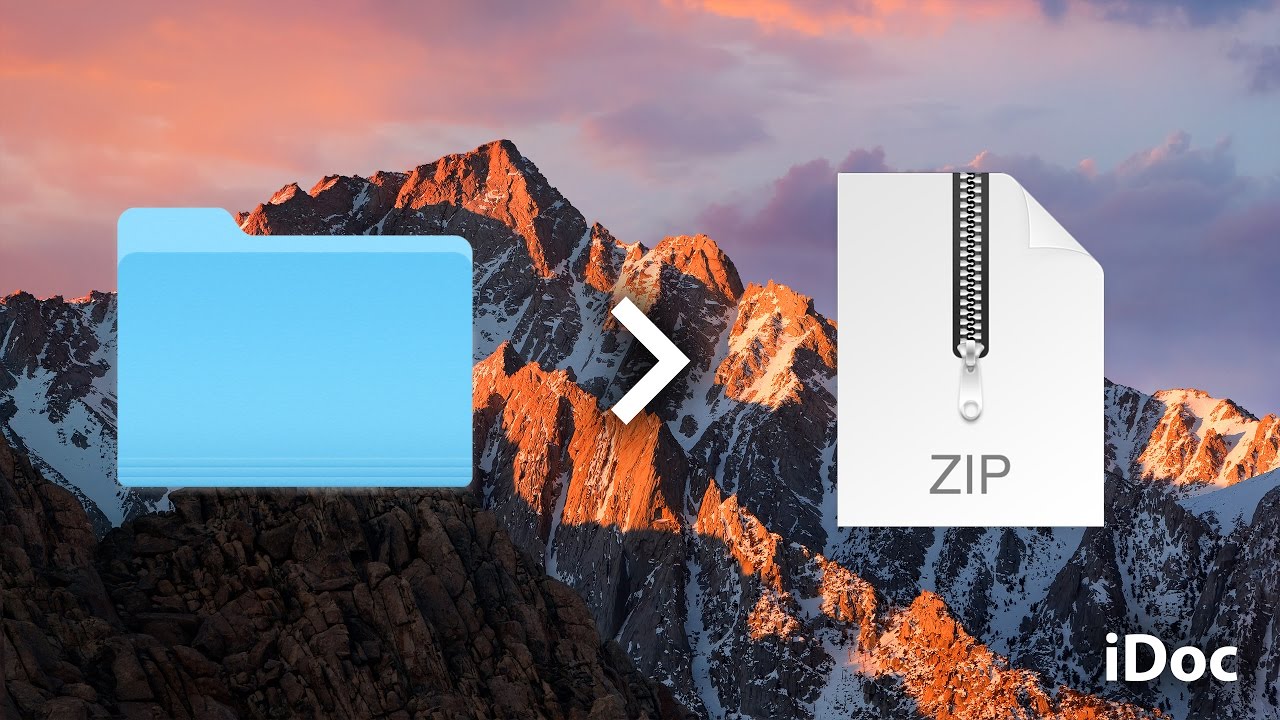
The Way To Make A Zipper Record On A Mac Virtual Traits
How to open zip files on mac. commencing zip documents on mac is simple. if you want to apply the built-in archive utility, just pick out the open option from the context menu. to open a zip report using the unarchiver, open the context menu and choose open with and then the unarchiver. window will open pick to unzip the whole zip document or decided on gadgets pane appears click on a folder in the column at the left after which click A way to open zip files on a mac. extracting a zip report on a mac is terrific easy: discover the zip archive report in the finder of the mac. double-click on the. zip archive record to start extracting the zip archive *. when finished, the unzipped contents will seem inside the equal folder because the original. zip archive. that’s it.
1. proper-click on the. zip package deal, and pick open with > archive utility (default) 2. archive utility will appear in your screen and will show the progress of the extraction. 3. once the files have been extracted, they will appear in a folder located in the same place because the original. zip record. Creating zip files on mac. open winzip. you will see an empty untitled. zip document inside the winzip window. drag your documents into the winzip window. click on add and choose the location of your documents shape the drop down (from your mac, icloud force or cloud services). in the finder drop down window, pick folders, files or each.
Comply with these steps to open zip files on mac: click the unzip button. from the drop down menu, pick to unzip your documents to this mac, icloud power, dropbox or google drive. a "finder style" window will open. you could browse to the folder wherein you need the files stored. pick out to unzip the entire zip file how to zip in mac file or decided on gadgets. Creating a zipper file on a mac is short and smooth, as macos includes a integrated utility for compressing or unzipping files. first, discover a report or institution of documents you want to compress.
A way to zip a report on mac 1. open a finder window, then discover the file or folder you want to zip. 2. proper-click on at the stated report or folder. three. choose “compress” within the drop-down menu you spot. the document is then zipped whilst the original is left just the way it was. how to create zip documents and folder on mac 1. open a finder window. 2. It seems like a rectangular blue face. once the finder opens, navigate to the files which you want to compress. to without problems compress a couple of files from various locations into one. zip document, first create a brand new folder. reproduction all of the documents which you need to compress into this folder.
How to unzip documents on mac computers. unzipping a record on a mac pc is user-pleasant and intuitive. to unzip documents on a mac, honestly comply with the stairs below: double click on the zipped file. the document will robotically be decompressed by using archive utility into the same folder the compressed file is in.
Mac and home windows computers have their very own built-in compression capabilities that could effortlessly zip documents or folders. a way to zip a document on mac. in case you want to email several documents, you could spare yourself the problem of attaching every document personally on your electronic mail. you can create a zipper report or zip a gaggle of documents and fasten them in batches. To compress a couple of files into one zip record, pick them all, then proper-click and select compress x objects, with x being the variety of highlighted documents. a unmarried archive document will appear in the. A way to make a zipper archive in mac os x. you could use this to create zip documents of documents, folders, or both: discover the gadgets to zip inside the mac finder (document gadget) right-click on on a document, folder, or files you need to zip; pick “compress gadgets” find the newly created. zip archive in the identical listing.


Komentar
Posting Komentar