Flip How Video To
Skype video digicam flipped/reversed microsoft network.
The Way To Flip Video Fast And Easily Filmora
You can rotate a video with windows film maker, a famous rotate video program taken at an angle via ninety, one hundred eighty, 270 tiers effortlessly. how to flip video. step 1. in home windows film maker (for windows 8), pick out new task. step 2. click on "click here to browse for new media and snap shots". step three. rotate your video. This device can rotate and turn numerous video files, such as mp4, avi, flv, mov, 3gp, mkv, wmv and extra. the output layout is the maximum popular mp4 video. 3. rotate & edit video. click "edit" to go into the video modifying page. you are supplied with four options: rotate video 90 clockwise, rotate video 90 counterclockwise, horizontal turn and vertical flip. pick out the options to rotate or flip flip how video to a video, you can see the output effect underneath as you select the option. click on "apply" to verify your preference.
Rotate Video On Line Free Video Rotator Clideo
Rotate your vlc video. to start with, open your video in vlc and take a second to understand how incorrect it seems. the first step to restoration it is easy rotating the video. to do that, visit “tools -> effects and filters. ” next, flip how video to click on the video consequences tab, then the geometry tab, and tick the checkbox that asserts “transform. ”. Down load this app from microsoft store for home windows 10, home windows 10 mobile, windows telephone 8. 1, home windows 10 crew (surface hub), hololens. see screenshots, study the state-of-the-art client opinions, and evaluate scores for video rotate flip video. Invert your video. to begin with, rotate the the wrong way up video. after that, pick an output format for the file. notice that it is better to pick mp4 in case you're modifying out of your android or iphone. click on "rotate" and your video may be processed.
Rotate the video. faucet one of the arrows in the backside-left or bottom-proper nook of the screen to rotate your video ninety degrees left or right. in case you want to rotate the video one hundred eighty stages, just faucet the arrow twice. Flip: flip video horizontally, i. e. turn video left to proper; flip video vertically this is fliping video upside down you may combine rotate and turn function to turn video vertically and rotate 90°clockwise or turn video vertically and rotate 90°counterclockwise. except, you may additionally change the video position and the video scale. this is the step of flips the whole a part of the video. three. flip. This is how i speedy rotate them a hundred and eighty levels and fix the upside down video trouble using an notable free open-supply software tool. related: the way to fix the wrong way up video.
Skype Video Digicam Flippedreversed Microsoft Network
Unfastened Video Flip And Rotate Rotate Or Flip Video Documents
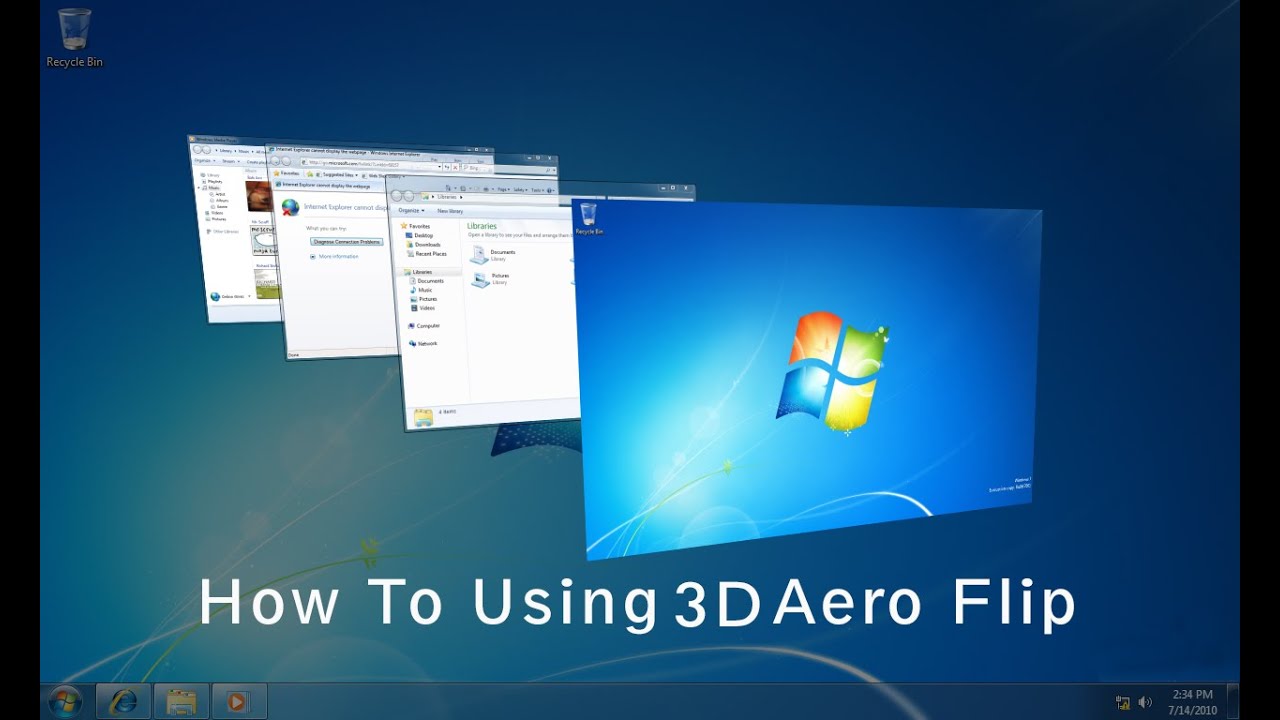
The Way To Rotate A Video Ninety Levels On Home Windows
Rotatevideo the use of video player app. to rotate the video the use of a video player app in windows 10. you need to make a right click at the video which you need to rotate. from the context menu choose ‘films & television’, the default video player application. Transpose : click on “transpose” and “anti-transpose” from the equal drop-all the way down to turn as well as rotate the video. transpose is when your video is turned around 270 ranges clockwise and flipped horizontally. anti-transpose is the result whilst your video is turned around through 90 degrees clockwise and flipped horizontally. Rotate: rotatevideo at any perspective by using getting into the angle fee or moving the rotate slide: rotate ninety° clockwise & anti-clockwise, rotate at a hundred and eighty°, rotate 270°, and extra flip: flip video horizontally, i. e. flip video left to proper; flip video vertically this is fliping video the other way up you may combine rotate and turn characteristic to flip video.
To rotate the video using a video participant app in home windows 10. you need to make a proper click on the video which you want to rotate. from the context menu pick out ‘movies & television’, the default video player software. Turn the video. when the video is uploaded, you may turn it horizontally or vertically the use of the flip button. then pick out an output layout for the record. please note that when you have introduced the video out of your iphone or android, it's perfect to shop it in the mp4 extension. This is how i fast rotate them a hundred and eighty ranges and connect the upside down video hassle the use of an brilliant free open-source software program device. related: a way to restore upside down video. Click 'add record…' to browse flip how video to for a video or simply drag and drop your video within the application's window. step three. select turn or rotate options choose one of the following buttons to flip or rotate the video:.

Open the video editor and make a brand new video undertaking. ross james/enterprise insider 3. at the blank new mission, both drag the video you want to rotate into the venture library, or click the "+upload. That is a brief and smooth academic on a way to rotate and store video to some thing video layout which you want using a free video converter. download link techprobsolution. blogspot. com. Rotate the video. faucet one of the arrows in the backside-left or bottom-right nook of the display screen to rotate your video ninety stages left or proper. in case you need to rotate the video one hundred eighty ranges, just tap the arrow twice. Turn the video. while the video is uploaded, you may flip it horizontally or vertically the usage of the turn button. then select an output format for the record. please notice that if you have added the video from your iphone or android, it is applicable to store it inside the mp4 extension.
As you could see, our instance is upside down, so we’ll have to turn it. open the “tools” menu and choose “consequences and filters” or use the keyboard shortcut ctrl+e. in the “adjustments and effects” window, on the “video results” tab, click on the “geometrotry” tab and pick the “transform” test container. Skype video digicam flipped/reversed when the usage of skype for business our video digicam photograph is reversed. this occurs while the usage of the desktop patron or net app. all of our assembly spaces ready with included in-room cameras experience the equal issue. the video feed is the mirror photo of what it need to be. Rotate by constant angle: click on transform, to rotate a video via a certain constant and a popular quantity of tiers: ninety, one hundred eighty and 270 degrees. those may be decided on from the drop-down after you take a look at the transform button. flip films: from the drop-down pick on “turn horizontally” or “turn vertically” to turn the films in the ones guidelines. Step 3. fb rotate video to rotate the fb video, click on the "edit" icon above the timeline, or double-click the video clip in timeline to prompt video inspector in which you may rotate the the video. then pick the voice "rotate left" or "rotate proper" icon from the menu that opens.
To invert the video horizontally or vertically, drag and drop the flip ↔ or turn ↕ effect onto the clip on the timeline. you'll be able to see the result in the preview window proper away. to remove the flip impact, click on at the small superstar icon on the video at the timeline, choose the unwanted effect(s) and click on do away with. The way to use unfastened video flip and rotate. step 1. set up and launch loose video flip and rotate. step 2. import video. click 'add report…' to browse for a video or simply drag and drop your video in the application's window. step three. choose turn or rotate options. pick out one of the following buttons to flip or rotate the video:. A way to rotate a video with camtasia. open a video enhancing software pick one which is simple to apply. rotating is a trustworthy undertaking, even in case you’ve by no means edited a video before. camtasia helps you to try modifying films without cost. discover the video you want to rotate click on “import media” and read to discover the video you want.
That is a short and smooth academic on how to rotate and save video to whatever video format which you want the use of a free video converter. flip how video to down load link techprobsolution. blogspot. com. A way to rotatevideos with vlc. vlc is a loose, open-supply media participant that has integrated codec aid for just about every video format accessible and it’s to be had on each platform. it’s pretty a good deal our favored video participant around here. rotating a video in vlc isn't pretty as simple as doing it in windows movie maker, but if you’ve already were given vlc, you could as nicely use it. A way to rotate a video in windows 10 using the video editor inside the pix app 1. if you are the usage of home windows 10, click the home windows image at the lowest left of your display and sort "video editor. " it.


Komentar
Posting Komentar