How Hide To Samsung App In
How To Conceal Apps On Samsung Galaxy 6 Steps With Images
The way to cover apps on android. 1. open the settings app. 2. faucet packages. three. tap application manager. four. tap the "all" tab. 5. tap the app you want to hide. Tap turn off to hide. show. android 7. 1. from any home display screen, tap the apps icon. tap settings. faucet apps. scroll thru the listing of apps that display or tap more and pick show machine apps. if the app is hidden, 'disabled' will be listed inside the discipline with the app call. faucet the preferred application. faucet enable to expose the app. android 6. 0. Select disguise apps from the menu, then pick the app or apps you wish to cover, tap on completed button at the pinnacle right corner, then selected apps could be invisible at the apps screen.. notice that hiding apps on samsung smartphone this way will not uninstall the app, however will virtually cast off it from view within the apps display screen. you'll nonetheless be capable of find those apps from app manager on the phone.
How to hideapps on samsung. no doubts that smartphones have become a part of our lives in recent times. human beings use them not most effective for calls, however for taking pictures, doing business, touring diverse social nets, for gambling games and for lots different activities. A way to hide apps on samsung galaxy. 1. open the apps menu. 2. faucet the how hide to samsung app in "⋮' " icon. three. faucet settings. 4. faucet disguise apps. five. pick the apps you want to hide.
The way to hideapps on a samsung galaxy s10 in 2 approaches.
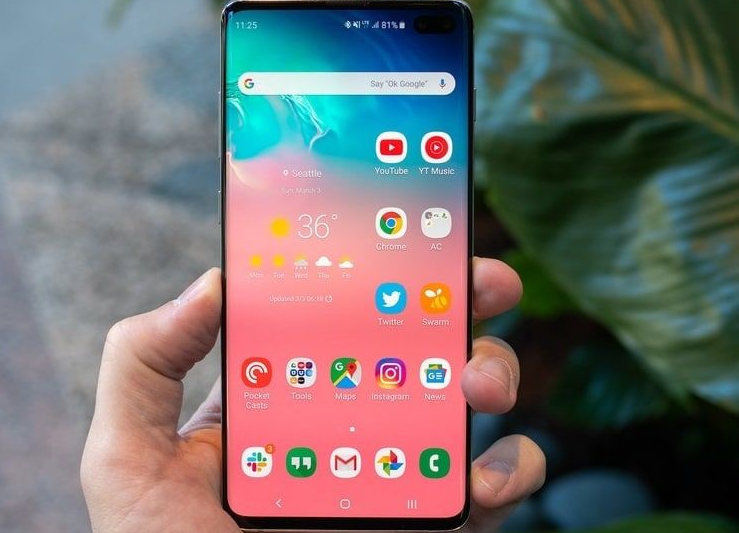
The Way To Disguise Apps On Android With Pix Wikihow
The way to find hidden apps on android galaxy? tap on the app drawer. then selectmenu icon. selectshow hidden apps. you'll see a list of packages that have been hidden. Step 1: long press on the blank space in your samsung s9 & s9 plus home display screen. step 2: tap domestic display settings. step three: faucet disguise apps on the end of the web page. here you may see hidden apps folder at top of the list in your samsung step 4: faucet icon of the app to reveal hidden apps on samsung s9. Apr 18, 2020 · hiding apps on a samsung cellphone is a breeze. open the app drawer, faucet the icon in the top-proper nook (three vertical dots), and pick the “domestic screen settings” choice.
this ? hi, i am a brand new drill sergeant in the army (us) am i able to call the brand new recruits "homies," on cell browser ? my yahoo app on my samsung s6 has gone haywire & nothing i do fixes To cover apps on a samsung galaxy s10, pass into the house display screen settings from your app drawer or deploy a third-party app to lock apps with a password. app is exactly the identical: 1download the app’s jad document to a pc 2 open the downloadedjad with a text editor or home windows wordpad keep reading → published in browsers tagged java me lg samsung touchscreen uc browser virtual keypad 318 replies the way to how hide to samsung app in hide the opera mini eight virtual keypad on samsung, Galaxy s8 tip: right here’s how to hide apps or games inside the app launcher the newly launched galaxy s8 and s8+ include a more moderen interface which additionally consists of a brand new, google pixel-like app drawer. aside from permitting you open the app drawer by way of swiping up or down on the house display screen, the new launcher also allows hiding apps.
The Way To Hideapps On Galaxy Observe 10 Plus And Observe 10
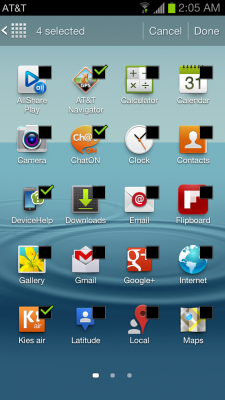
How to hide and unhide apps on samsung galaxy s8 1. open the app drawer by using swiping up or down from the home display screen. 2. pick out the alternatives menu via tapping the three dots icon in the higher right nook of the screen. 3. faucet settings four. faucet on cover apps choice. five. all apps established are listed here. Now, samsung gives a brand new characteristic that lets in you to cover apps display on galaxy s7 and galaxy s7 facet via galaxy labs. all apps could be positioned in galaxy s7 domestic display.. please be aware, this selection of hiding apps screen on galaxy s7 and galaxy s7 side may be no longer available in some areas/vendors. a way to hide apps display on galaxy s7 and galaxy s7 part?. Select cover apps from the menu, then pick the app or apps you desire to cover, faucet on completed button at the pinnacle proper corner, then decided on apps could be invisible at the apps display screen. word that hiding apps on samsung smartphone how hide to samsung app in this way will no longer uninstall the app, but will truely remove it from view within the apps display screen. On this video i will display you a way to cover apps on samsung phones with out putting in application. thank you for whatching, and please subscribe to attach us. watch this video to get $ 25 loose from us.
Samsung aid center. the today's coronavirus (covid-19) updates (service facilities) with the global spread of covid-19 impacting maximum communities, samsung is adapting its practices to defend the fitness and health of our humans and customers. In samsung s9 & s9 plus domestic screen settings, you can see domestic display screen format, domestic screen grid, apps display screen grid size, conceal apps, app icon badges, portrait mode, upload apps icon to the house display screen and more.
Samsung Manuals The Way To Hide Apps On Samsung Gadgets En
The samsung galaxy s9 is loaded with many terrific features and one of them is to cover your apps. smartphones are not any extra just calling and texting gadgets. their capabilities and features have better users’ experiences. the apps set up on our phones give us the choice to accomplish that much extra than just playing video games or scrolling via social media monitors. 1. in your galaxy s10's home display screen, swipe down to show the app drawer. 2. tap the three vertical dots in the finder search field at the pinnacle right of the display and faucet "domestic screen settings. 3. at the bottom of the home screen settings page, tap "disguise apps. " 4. faucet to choose each app that you need. Hiding apps on a samsung cellphone is a breeze. open the app drawer, tap the icon in the top-right corner (three vertical dots), and select the “domestic display screen settings” choice.
Exceptional apps for samsung galaxy s8. a way to cover apps on samsung galaxy s8? 1. open the app drawer through swiping up or down from the home screen. 2. pick the alternatives menu by using tapping the 3 dots icon in the higher right corner of the display. 3. faucet settings. four. tap on disguise apps choice. 5. all apps hooked up are indexed here. pick all of the apps you. To hide any app on samsung j5 glaxy grand high ; first visit placing -> show -> domestic display -> hide apps pick the app (that you want to hide) through tapping on app corner. then tap on observe on top proper corner of display screen. 1. for your galaxy s10's home display screen, swipe down to reveal the app drawer. 2. faucet the 3 vertical dots inside the finder seek field at the top proper of the display and faucet "domestic screen settings. 3. at the bottom of the house display screen settings web page, tap "cover apps. " 4. faucet to select every app which you want.
Might also 15, 2018 · the way to cover apps on samsung galaxy. 1. open the apps menu. 2. faucet the "⋮' " icon. 3. tap settings. 4. faucet disguise apps. five. pick the apps you want to cover. Pick out conceal apps from the menu, then choose the app or apps you wish to cover, tap on done button at the pinnacle right corner, then decided on apps will be invisible on the apps display screen. be aware that hiding apps on samsung smartphone how hide to samsung app in this way will not uninstall the app, however will certainly put off it from view in the apps screen. See greater motion pictures for how to cover app in samsung.
Whats The Stable Folder And How Do I Use It Samsung
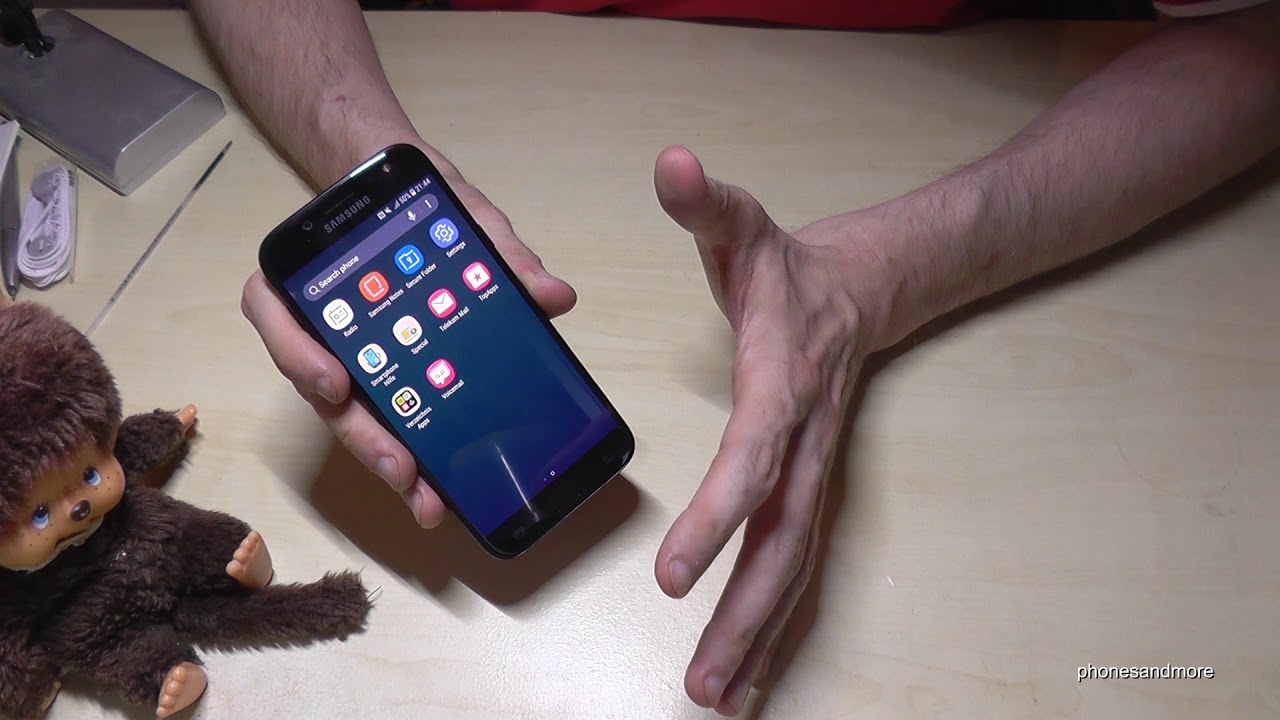
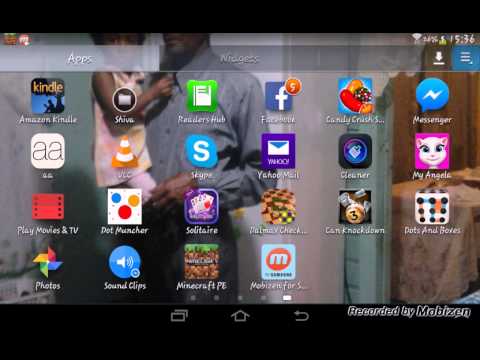
Hide apps on samsung cell telephone software program rt.
See all complete listing on bestusefultips. com. Jan sixteen, 2020 · how to cover apps on android. 1. open the settings app. 2. tap applications. three. tap utility supervisor. 4. faucet the "all" tab. 5. tap the app you need to cover. Here you get easiest method to hide apps on samsung. you also cover apps, photo and video via a few apps. my recommendation is you operate app for disguise app because it greater handy for you. at closing i also explain that the way to hide photo and video through any apps. nearly all how hide to samsung app in samsung mobile (as much as android 9) apps hiding setting is identical.


Komentar
Posting Komentar