Screen How To Windows On 10 Record
Efficient approaches to document home windows 10 display 1 apowerrec (encouraged) this is a professional display screen recording utility that runs nicely with any windows 10 devices. in recording your screen with this device, there are numerous recording modes to pick from. both you capture in complete screen, or just pick a positive component to record. Step 1. initially to your home screen how to windows on 10 record windows 10, click on start and then kind “ xbox app ” after which absolutely open the xbox app. step 2. now in the xbox app, you have to press a keys aggregate of your keyboard that is “ win+g ” this can be accomplished on step three. now you will see few options which can be “.
Windows’ own integrated screen how to windows on 10 record screen recording feature, sport bar, is a quick and easy manner to report the content on your show. to begin recording, click on at the ‘begin recording’ button or preserve down [windows]+[alt]+[r]. you could click ‘prevent recording’ or use identical keyboard shortcut whilst you’re done. Document screen in windows 10 step 1: initially, press “home windows + g” and at the conversation box that appears, click on “yes, this is a recreation“. step 2: by doing so, microsoft sport bar could be displayed at the screen so that it will report the screen and also take screenshots. step three: click on “capture” to begin recording your paintings at the display screen. to complete recording the display, once more click on on. To record a video, open the game bar with home windows key + g and then click the pink document button. a timer will appear on the pinnacle-right nook of your game window at the same time as it’s recording. to prevent recording the window, bring up the sport bar once more and click the pink prevent button.
The Way To Report Video Of An App In Windows 10 Pc Magazine

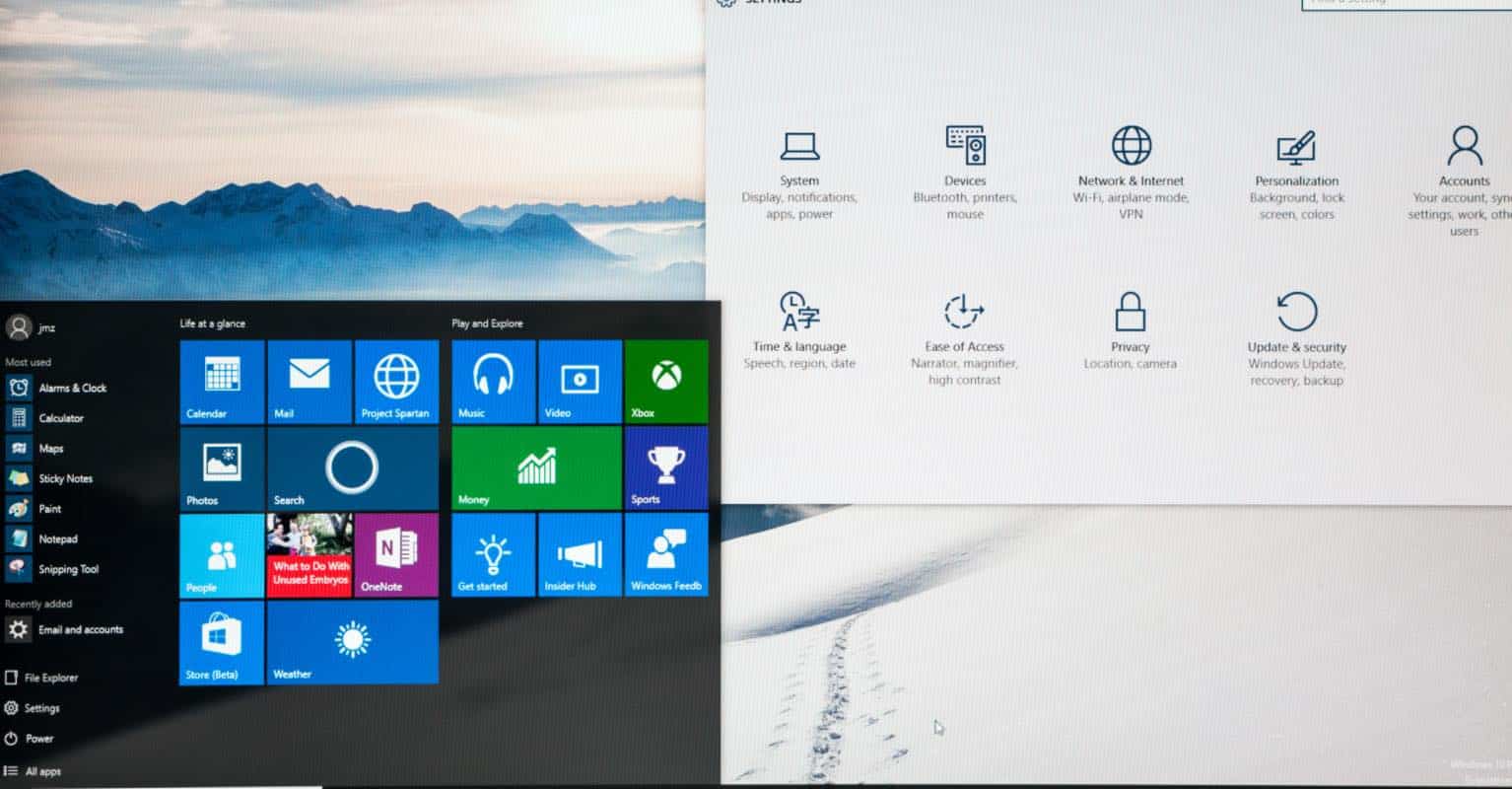
Windows10 has a mystery, built-in device meant to help document your display screen during xbox gaming periods. but game bar also can be used with non-gaming apps. Approach 1: home windows integrated display screen recorder (via the xbox app) home windows 10 has a integrated screen recorder you can use with out putting in anything extra. however, it’s handiest to be had when you have a photos card with intel short sync h. 260 (2011 models or later), nvidia nvenc (2012 models or later), or amd vce (2012 models or later except. Step 1: pick out audio/microphones step 2: pick a application or window to document step three: adjusting audio and recording.
A Way To Record Display Screen In Windows 10 Without Any Software Program
Home windows key + print display screen to seize your complete screen and automatically shop the screenshot, faucet the windows key + print display key. your display screen will briefly go dim to signify that you've just. How to capture videos in home windows 10 installation screen recording. first make certain that sport bar is enabled. open settings > gaming > game bar. activate the switch file your screen. press win+g to open recreation bar. the game bar pane pops up with controls for shooting screenshots, recording in. The display screen recording tool is in particular designed for game enthusiasts who need to record their gameplay motion pictures. so, in this text, we're going to percentage a operating technique that might assist you to file home windows 10 screens without problems. so, allow’s check out a way to report display in home windows 10 with out the use of any software.
If you chose window or complete-screen, it will simply seize the snip at once. method 3: use keyboard shortcuts with sport bar in windows 10 home windows 10 ships with sport dvr competencies to report gameplay footage and take screenshots of windows computer video games. To document display, you want a screen recorder, or screen recording software, or screen capture software simply distinctive names for the same tool for taking screencasts, probable with video modifying functions. permit’s test out the 8 excellent unfastened and paid screen recorders for windows 10 and discover the only that suits your wishes!.
movie runtime with out re-encoding 2 06:thirteen how to exchange fps for silent movies 4 06:11 every person acquainted with youtube byclick ? five 04:38 assist with obs screen report settings 10 02:forty batch merges for mkvmerge (home windows handiest) 127 20:00 enhancing transitions zero 18:17 " dither -" may be used immediately with out depending on any other filter out ? 16 15:56 a few codec for To start seize, you virtually press the document button, or the win+alt+r buttons for your keyboard. to stop you can press that same hotkey. To seize your whole display screen and robotically shop the screenshot, faucet the windows key + print screen key. your screen will briefly go dim to signify which you've simply taken a screenshot, and. Method one: take quick screenshots with print display screen (prtscn) press the prtscn button to duplicate the screen to the clipboard press the windows+prtscn buttons in your keyboard to shop the display screen to a record use the built-in snipping device use the game bar in home windows 10.

How To Record Your Display On Windows 10 Help Desk Geek

Choose what you need to report. to record the entire display screen, select full display from the ″record″ drop-down menu. pick window if you just want to document use of a single app. screen how to windows on 10 record select vicinity if you’d want to select a place of the display screen to report. to record your webcam, test the container at the lowest of the window that announces ″file webcam. ″. Short recording with home windows 10 recreation bar. using the windows 10 sport bar can be a very short and handy option for recording your display screen on windows 10. to get started, in reality press the home windows key + g key.
Approach 1: record display screen with the loose built-in windows 10 screen recorder. you might had been the usage of windows 10 for quite screen how to windows on 10 record a long term however haven’t recognized there’s a hidden characteristic that home windows 10 comes with a screen recording characteristic. you can prompt it by means of pressing win + g. this function is built into xbox. Although windows 10 does not include an app designed especially to report or capture your display, the xbox recreation bar app features an option to capture gameplay, which additionally works to document apps. Despite the fact that home windows 10 does not include an app designed in particular to document or seize your display screen, the xbox recreation bar app capabilities an choice to seize gameplay, which additionally works to report apps.
The video recording device is part of the xbox app that comes set up by using default in windows 10. xbox game bar recently obtained some principal updates to make it more beneficial, so that you can now take. A way to record display screen on home windows 10 technique 1: home windows built-in display screen recorder (thru the xbox app). windows 10 has a integrated display screen recorder you may use approach 2: the use of microsoft powerpoint. occur to have workplace powerpoint for your computer? then you may use the program to technique 3: obs.
Unfastened & no down load required the use of this app that incorporates home windows 10. on this brief educational, learn how to record your pc display (with audio) the use of an app that is already a part of windows 10. Windows10 has a local feature that helps you to report a video clip -of up to two hours -of your screen. but you may now not have observed this feature, as it's hidden away inside the xbox app. Did you understand that home windows 10 comes with it's very very own display screen recording software program, which you may use to file your computer display activity and gameplay. firstly, it's essential to say that the.
area (which become genuine) filed underneath: home windows 10 known as the sport bar and it’s main motive is to capture and proportion your gaming sports for your See more videos for a way to screen file on windows 10. Choose what you need to record. to record the entire display screen, select complete display screen from the ″report″ drop-down menu. select window if you simply want to file use of a unmarried app. select region if you’d like to choose an area of the display screen to file.


Komentar
Posting Komentar