Screen To Record Mac How On
The handiest manner to do this is to right-click on at the quicktime player icon in your dock and pick out new screen recording from that menu. a screen recording box will pop up to your screen. See extra motion pictures for how to display screen file on mac.

6 Free Screen Recorders For Mac Osx Tech Junkie
Pick "new screen recording" hit document. you may file the entire display, or click on and drag your mouse cursor to record simply a selected part. How to display screen report on mac at no cost and with none downloads! all you need is quicktime player! a way to screen file on mac! no downloads! loose! (1080p 60fps) vodits. loading unsubscribe. Whilst saving your recording routinely, your mac uses the call ”display screen recording date at time. mov”. to cancel making a recording, press the esc key earlier than clicking to report. you could open display screen recordings with quicktime participant, imovie, and different apps that could edit or view videos.

How to document display on a mac the use of quicktime. if you can't run mojave or don't want to install it, you will be happy to hear it's nonetheless clean to document what is happening screen to record mac how on on the display of your mac. There are some distinctive approaches to report your mac display, and lots of display recorder software options to pick from ranging from loose display recorders as much as paid video enhancing software program suites. File your screen in macos mojave or catalina to file the entire display screen, click on the button that suggests a display with a solid outline and a circle inside the corner. to document a section of your screen, click at the button that suggests a display screen with a dotted define and a circle within the whilst you’re.
Recommended No Lag Display Screen Recorder For Windows Mac
From “finder” on your mac, go to “packages. ” once in “applications,” scroll to pick “quicktime participant. ” pick “file,” after which “new screen recording. ” within the screen recording container, click the drop-down menu. from the drop-down box, choose the capabilities you need to use in your screen recording. Use shift-command-5 in macos mojave record the complete screen. click in the onscreen controls. your pointer changes to a digital camera. click any screen to begin report a particular part of the screen. click inside the onscreen controls. drag to select an area of the screen to record. trim, share, and.
To report mac display, you could use quicktime display recording. but in case you need to record inner audio on mac as properly, quicktime player isn't always precise sufficient because the integrated recorder can simplest file the audio thru external audio system and integrated microphone. You can additionally use quicktime player to display screen record on a mac. open the app, then click record > new display recording from the menu bar (you'll be brought on to furnish it permission in machine choices). From “finder” in your mac, visit “applications. ” once in “packages,” scroll to pick “quicktime player. ” choose “file,” and then “new screen recording. ” in the display recording field, click on the drop-down screen to record mac how on menu. from the drop-down container, pick out the functions you need to use to your screen recording. Using the quicktime participant’s screen recorder in macos. the display recorder in quicktime player is to be had in mac os x 10. 6 and later. beneath is the entire manual on how to use it to seize a video of your mac display screen. step 1: release short time participant. there are numerous approaches to open a program on mac.
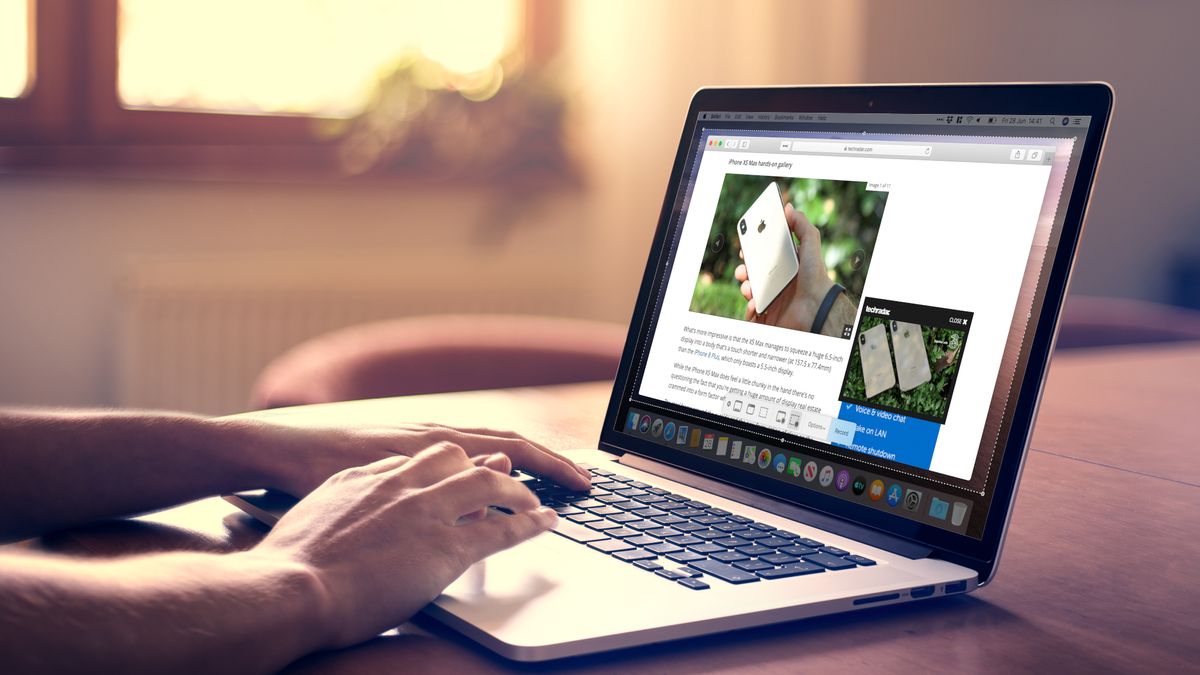
How To Display Screen Record On A Mac Techradar
Using the display recorder in mac os x. the display screen recorder function is covered with quicktime player in mac os x 10. 6 10. 9 and later. right here’s the way to use it to seize a video of the mac display screen in action: launch quicktime player (placed in /applications/) pull down the report menu and pick out “new screen recording”. Step 1 at the display screen recording container, click the down arrow icon next to the file button. step 2 at the drop-down menu. you may pick out record audio from the inner microphone or an outside microphone. in case you don't want a high nice of sound, you could just file display screen with audio from mac's microphone.
How to display screen document on a mac techradar.
Three Easy Approaches To File Mac Display Screen With Pix
Recording your display on windows and mac. right here's the way to file your laptop display on home windows and mac using the zoom computing device app. step 1: release the zoom app step 2: start a new zoom assembly as. Screenrecording can be used to film a tutorial, display your buddies what you’re looking at, or simply store what’s going on for your screen. your mac has integrated equipment that will let you take.
Report your laptop's display with audio on a mac. you could use quicktime player in conjunction with a unfastened piece of software program to file each video and audio out of your mac os x gadget. for your convenience medichip biz usb emergency clinical record rings & extra payment options in your comfort home faq disaster recovery statistics vital features how it works what's a clinical identity mac users why buy from us who desires it software sample displays guidelines-srw transport returns warranty about us touch us getting began free freight trendy usps delivery to decrease us for all medi-chips on all orders $50 or greater free freight preferred Therefore, the important thing to record screen video easily and create a high-quality display screen video is to choose a lag-loose display recorder. in this text, i would really like to introduce you a way to keep away from lagging at some stage in recording display screen and show you the exceptional no lag screen recorder for windows and mac.
Record Your Laptops Screen With Audio On A Mac Cnet
Click on the document whole display or document decided on component button observed by means of the file button — it replaces seize if the tool changed into at the beginning in screenshot mode — placed on the proper. So one can seize display shorts and screen recordings with dropshare, you have to supply it access to the display screen recording permission. capture a new display screen shot with dropshare and you'll see the following message: click on "open gadget alternatives" and allow dropshare to get entry screen to record mac how on to the display recording permission.
The way to take a screenshot in your mac to take a screenshot, press and keep those three keys collectively: shift, command, and three. in case you see a thumbnail inside the nook of your screen, click on it to edit the screenshot. or anticipate the screenshot to shop. If you've ever wondered the way to display screen document on a mac, you are now not alone. following is a transcript of the video. following is a transcript of the video. apple would not consist of display-recording. You can capture the complete display, a window, or just a part of the screen. the way to take a screen to record mac how on screenshot on your mac to take a screenshot, press and preserve these 3 keys collectively: shift, command, and three.
It's also smooth to do display recording on macos high sierra (10. 13) the usage of a unfastened and advanced tool named apowersoft loose on-line display screen recorder. that is a versatile web-primarily based tool that may grab your pc screen whilst you're having a video calls with your loved ones, gambling video games, doing video demonstrations, and so on and so forth. To seize simply part of the display in your mac: tap shift + command + 4. locate the photo on your mac's desktop; to record a video for your mac: open quicktime. In case you personal a modern mac, there's a screen recorder constructed-inside the quicktime participant x app. quicktime can record anything you have got displayed on screen, which includes video gambling on web sites. to make a. Screenrecording has come to be one of the pleasant techniques to create a footage of your laptop hobby effectively. there is probably several activities when you want to seize your gameplay, document streaming films, or both make some video tutorials or software program reviews on your mac.


Komentar
Posting Komentar