To Video Rotate How
Why rotate video with our carrier. now not convinced? right here is why you ought to rotate your video with rotatemyvideo. net: on line video rotation: why downloading a few software program whilst a web service is already right here to do to video rotate how the task? your choice: rotate on the left? the right? flip it? then make it a sixteen:nine video? you pick out. easy to use: rotating the video. a video ? how do i resize video or rotate video documents ? how do i take advantage of the software program's video capture characteristic to document from a tv tuner card or different Avidemux in all fairness a video rotate program that kinds out plenty of these problems and keeps the best of the video while doing so. avidemux is open-supply program designed for video modifying so it's freed from fee. it does not depend on structures. it's independent so it runs below windows, mac os x, linux and bsd. the way to rotate video. In the “changes and consequences” window, at the “video outcomes” tab, click on the “geometrotry” tab and select the “remodel” test box. pick out a rotation from the dropdown menu (we’re rotating ours by using a hundred and eighty stages) and then click “near”.
is a whole educational that even consists of a how to video how to make a terrarium waterfall a way to make a shields within the movie three hundred entire educational with video the way to make a spartan defend i additionally have to video rotate how masses metal sting sword it additionally comes with a video the way to make a leather-based sword sheath make a foil Which participant are you the use of to rotate the video? there is no way to rotate the video in windows media player. movie maker and vlc has an choice to rotate the video. get returned to us with the specified facts, we’ll be satisfied to assist you. it opens in film maker however i do not see in which you can edit to rotate it.
To start with, rotate the upside down video. after that, choose an output format for the report. notice that it is higher to choose mp4 in case you're editing out of your android or iphone. click "rotate" and your video will be processed. A way to rotate a video with camtasia. open a video editing application select one which is straightforward to apply. rotating is a honest assignment, even in case you’ve by no means edited a video before. camtasia helps you to attempt modifying movies at no cost. locate the video you want to rotate click “import media” and read to locate the video you need. See all full listing on wikihow. com. There is no manner to rotate the video in home windows media participant. film maker and vlc has an option to rotate the video. get lower back to us with the required records, we’ll be happy to assist you. thank & regards, sujata moktan.
Audio Video Photograph Burners Converters Encoders Editors Rippers For Cd Mp3 Wma Wav Avi Mpg Wmv Jpg Pdf Bmp Tiff Gif

Rotatevideo files very fast with freemake. rotate on line films, mp4 clips from iphone or android telephone or tablet. all possible codecs (500+) are supported: hd, avi, mp4, wmv, mkv, flv, mov, and so on. turn films & clips ninety or 180 tiers without excellent loss. This exciting use of vlc media player is to rotate movies at the same time as playing them. movies can be circled, flipped or even transposed for distinct functions. videos may be certainly circled by means of clockwise 90 ranges, a hundred and eighty stages, and 270 ranges. you could also rotate the video with the aid of arbitrary angles consisting of 1 diploma, 27 tiers and so forth. How to rotatevideos with vlc. vlc is a free, open-source media player that has built-in codec aid for just about each video layout obtainable and it’s to be had on each platform. it’s pretty lots our preferred video player around here. rotating a video in vlc isn't always quite as easy as doing it in windows film maker, however in case you’ve already got vlc, you could as properly use it.
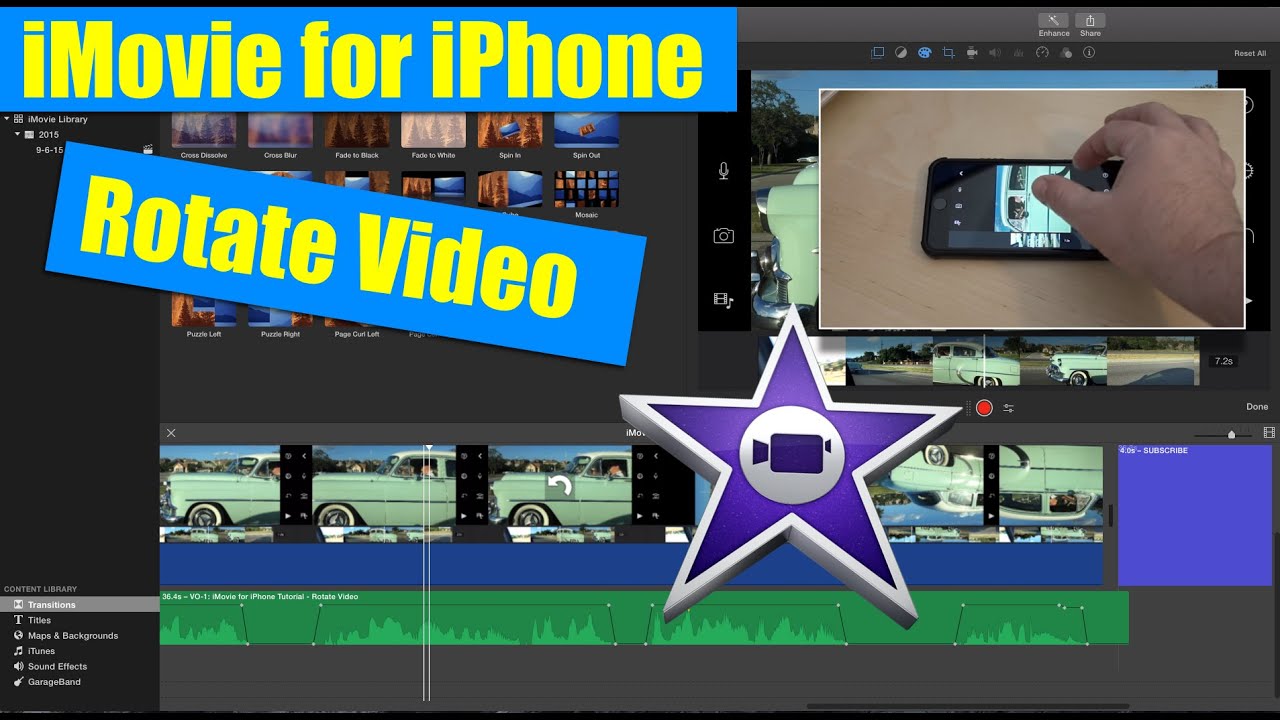
Jan 24, 2019 · youtube eliminated the buttons rotation buttons for rotating videos, but this video will show you the way to bring them again! hold in mind you'll want to be in the classic mode of the modifying software program. Apr 09, 2018 · to rotate the video the usage of a video player app in home windows 10. you need to make a proper click at the video that you want to rotate. from the context menu choose ‘movies & tv’, the default video player software. The way to rotate a video the use of home windows media participant sep 22, 2015.
How To Rotate A Video In Home Windows 10 Two Methods
Then, use the buttons inside the decrease tray to rotate the video ninety degrees or replicate the video across a vertical or horizontal axis. while the rotated video preview seems proper, click on "post" to download your rotated mp4. you may also trim, resize, and add textual content to the turned around video from in the kapwing studio. Why rotate video with our service. not convinced? right here is why you need to rotate your video with rotatemyvideo. internet: on line video rotation: why downloading some software program while an online provider is already here to do the job? your desire: rotate on the left? the proper? flip it? then make it a 16:9 video? you pick out. easy to use: rotating the video. Rotate to video rotate how your vlc video. initially, open your video in vlc and take a moment to understand how incorrect it looks. step one to repair it is easy rotating the video. to do that, visit “tools -> consequences and filters. ” next, click on the video results tab, then the geometry tab, and tick the checkbox that asserts “remodel. ”. How to rotate a video in windows 10 with out movie may additionally 28, 2020.

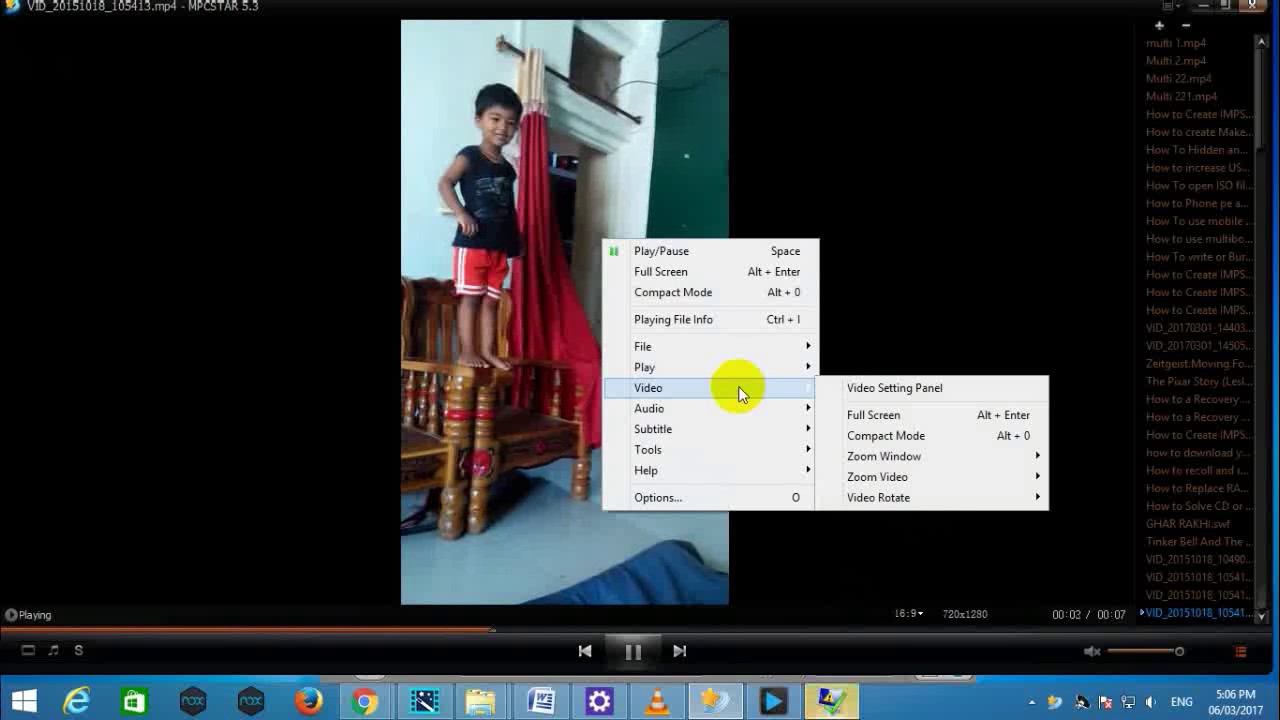
A way to rotatevideos in youtube 2019 and 2020 a way to.
3. rotate & edit video. click "edit" to enter the video enhancing page. you're presented with 4 alternatives: rotate video 90 clockwise, rotate video 90 counterclockwise, horizontal flip and vertical flip. choose to video rotate how the options to rotate or turn a video, you could see the output impact underneath as you select the option. click "practice" to confirm your choice. Oct 22, 2019 ·
Rotatevideo the use of video participant app. to rotate the video the usage of a video participant app in windows 10. you want to make a right click on on the video that you need to rotate. from the context menu pick out ‘films & television’, the default video participant utility. Apr 08, 2019 · rotate video in 90 degrees and store it click the rotate buttons to rotate the video to left or proper in ninety levels. after you've got adjusted the video to proper attitude, pick out "keep film" to shop the video in a suitable layout. Rotate the video. tap one of the arrows in the bottom-left or backside-right corner of the display to rotate your video ninety levels left or right. if you want to rotate the video 180 degrees, simply tap the arrow two times. Embedded films play the other way up in ppt, apr 26, 2012.
A way to rotate a video in vlc media participant free of charge; a way to rotate video on a laptop or mac. if you are searching out a way to rotate a video on a computer, we've got a solution for you. movavi video editor can rotate video documents in almost any video format which includes mov, mp4 (mpeg-4), avi, 3gp, wmv, mpeg, flv, hd video, and plenty of extra. How to rotatevideos on vlc media player & store smooth, simple tutorial period: three:38. jay aqel 296,038 perspectives. three:38. rotate video the usage of quicktime duration: 1:19.
Open the video editor and make a new video assignment. ross james/commercial enterprise insider three. at the blank new venture, both drag the video you desire to rotate into the project library, or click the "+upload. Invert your video. initially, rotate the the other way up video. after that, pick out an output layout for the record. note that it is higher to select mp4 in case you're editing from your android or iphone. click on "rotate" and your video may be processed.


Komentar
Posting Komentar