Use How Google Meet To
A way to use google meet without cost trusted opinions.
Ask a question, net, i take advantage of google meet with a personal account. upvote (0) subscribe unsubscribe. network content may not be confirmed or up to date. learn extra. Meet. actual-time conferences via google. the use of your browser, share your video, desktop, and presentations with teammates and customers. Get google meet education and tutorials. requirements for using google meet. down load the mobile app. add-ons and hardware kits for meet. google meet accessibility. set up meet to help your group paintings remotely. start and join video meetings. be part of a video meeting. add or put off human use how google meet to beings from a video meeting.
Google meet: 4 steps to putting in place google's video chat app, loose. google's meet video conferencing carrier is a zoom competitor, and is now free for all and sundry to use for personal video chats. View google meet in gmail short start. get ready to apply meet. earlier than you begin using google meet, ensure you've got the gadget and get right of entry to you want. check necessities for google meet get meet: web (meet. google. com), android, or ios (non-compulsory) transferring to google meet from any other meeting answer? get assist switching over. Google meet is google’s videoconferencing service, which permits for as much as 100 people to talk at a time (or up to 250 people on select commercial enterprise plans). the first-rate component approximately the carrier. Googlemeet is a completely popular video chatting app, but till these days it’s most effective been to be had to paying customers. if you fancy trying it out, here’s a way to use meet for free.
Learn how to speak in google meet through textual content video conferencing, display sharing and chat. use google hangouts meet across all of your devices to effects talk studying or business. This google meet educational is meant to assist teachers discover ways to use google meet for distance gaining knowledge of. other motion pictures you would possibly find beneficial: the way to see your students whilst supplying in google meet.
Google meet set up and be part of youtube.
G suite customers (the use of google meet with a faculty or work account) non-g suite customers (the use of google meet with a private account) a g suite administrator wishes to turn on meet on your business enterprise. in case you can't open meet, touch your admin. you want to be signed into a g suite account to create a video assembly. Googlemeet is google’s videoconferencing provider, which lets in for up to 100 people to chat at a time (or as much as 250 people on pick commercial enterprise plans). the best element about the service.
**replace** google has just introduced most effective assembly use how google meet to creators and calendar proprietors can mute or remove different members in a meeting. we recently replaced google hangouts with google meet in our. This is one of the today's ventures from google’s business line of merchandise known as g suite. lets test how does google meet paintings. despite the fact that it's miles indexed at the g suite web site, the app is stay on the itunes store but is but to function on the playstore. Select the join with google meet choice. click, be part of now. from a meeting link (url) discover the assembly hyperlink url sent to you. click at the google meet url.
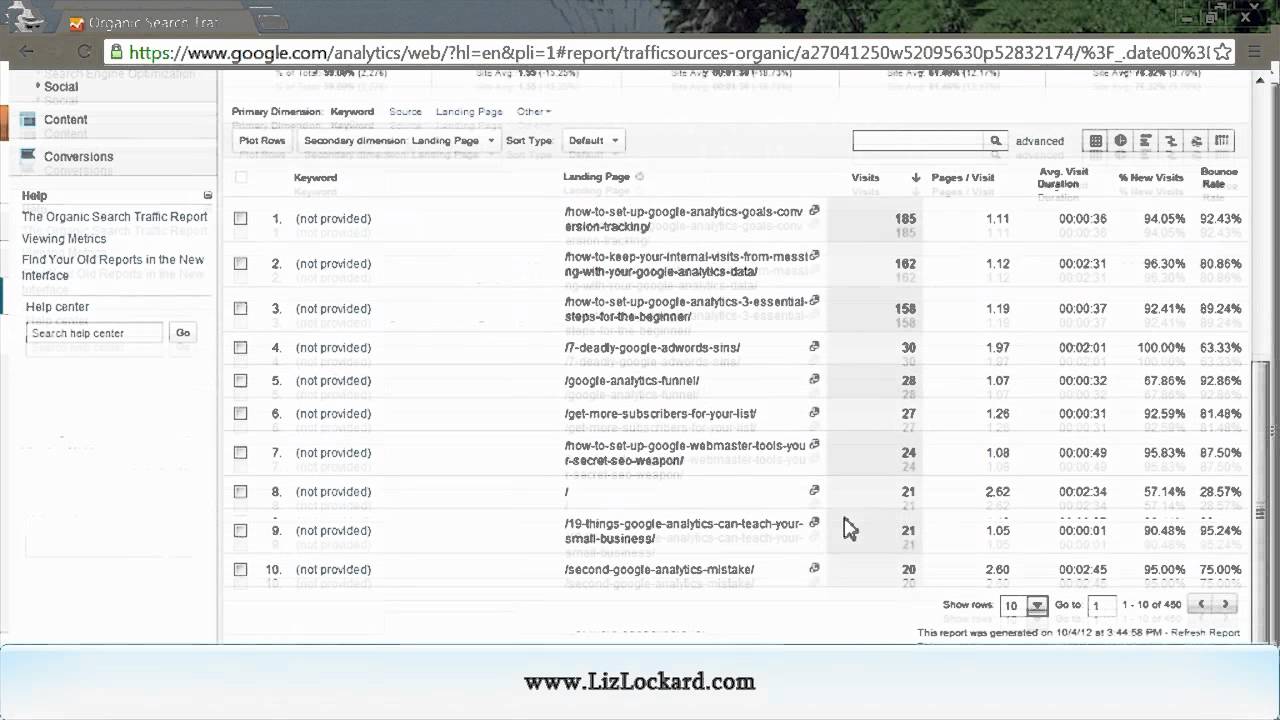
The Way To Use Google Meet For Faraway And Online Getting To Know
Reputable google meet help middle wherein you may find tips and tutorials on using google meet and different solutions to regularly asked questions. In this video, i’m going to reveal you a way to use google’s new videoconferencing solution for business enterprise and schooling customers, google meet. this product replaces google hangouts and is meant to. Googlemeet is a video-chatting service designed in general for commercial enterprise and office use, which we could colleagues chat over video and text. not like a lot of google's other merchandise, you want to pay for. Googlemeet cheat sheet; googlemeet in gmail quick begin; add meet video conferences to outlook; google meet accessibility; see all meet schooling and assist; print, store, or personalize gaining knowledge of middle publications. learn how to print studying center guides, shop them as pdfs, or customise them on your corporation.
A Way To Use Google Meet Without Cost Trusted Opinions
Learn to communicate in google meet through textual content video conferencing, display sharing and chat. use google hangouts meet throughout all your gadgets to effortlessly communicate gaining knowledge of or enterprise.
View google meet in gmail brief begin. get prepared to use meet. before you begin the usage of google meet, make sure you have got the device and get admission to you need. check requirements for google meet get meet: internet (meet. google. com), android, or ios (non-obligatory) transferring use how google meet to to google meet from every other assembly answer? get help switching over. Googlemeet: google's answer to zoom. googlemeet, previously named google hangoutsmeet, is google's organisation video conferencing software, presented as a part of g suite and also to loose google customers. meet gives functions no longer visible in hangouts, like actual-time captions and guide for up to 250 participants and one hundred,000 live move viewers. Googlemeet may be perfect to meet and educate on line. on this video i will reveal the primary features of this platform and show you haw you could use google meet to educate on line. In case you use google calendar and create an occasion at a factor within the future, once you upload a unmarried individual to that occasion, a hangouts meet may be routinely created and shared with the ones invited.

Meet. actual-time meetings by google. the usage of your browser, proportion your video, desktop, and presentations with teammates and customers. Meet. real-time meetings by means of google. the use of your browser, share your video, computer, and displays with teammates and clients. Open gmail. ; within the sidebar, click on begin a assembly. ; inside the meet window, choose an option to be a part of the meeting: to enroll in the use of your pc’s digicam for video and your laptop's microphone for audio, click on be a part of now. (g suite users) using your phone for audio, click on be a part of and use a smartphone for audio after which observe the on-display activates. ; if you join by way of phone, you can nonetheless use your laptop.
In this video, i’m going to show you how to use google’s new videoconferencing solution for organization and training users, google meet. this product replaces google hangouts and is supposed to. Once you’ve finished with the set up, you must see the google play shop icon on the app menu. step 4: download google hangouts meet. the most effective aspect left is to download the google meet app to your hearth tablet. open the google play shop app. type “hangouts meet” in the search bar. input the app menu.
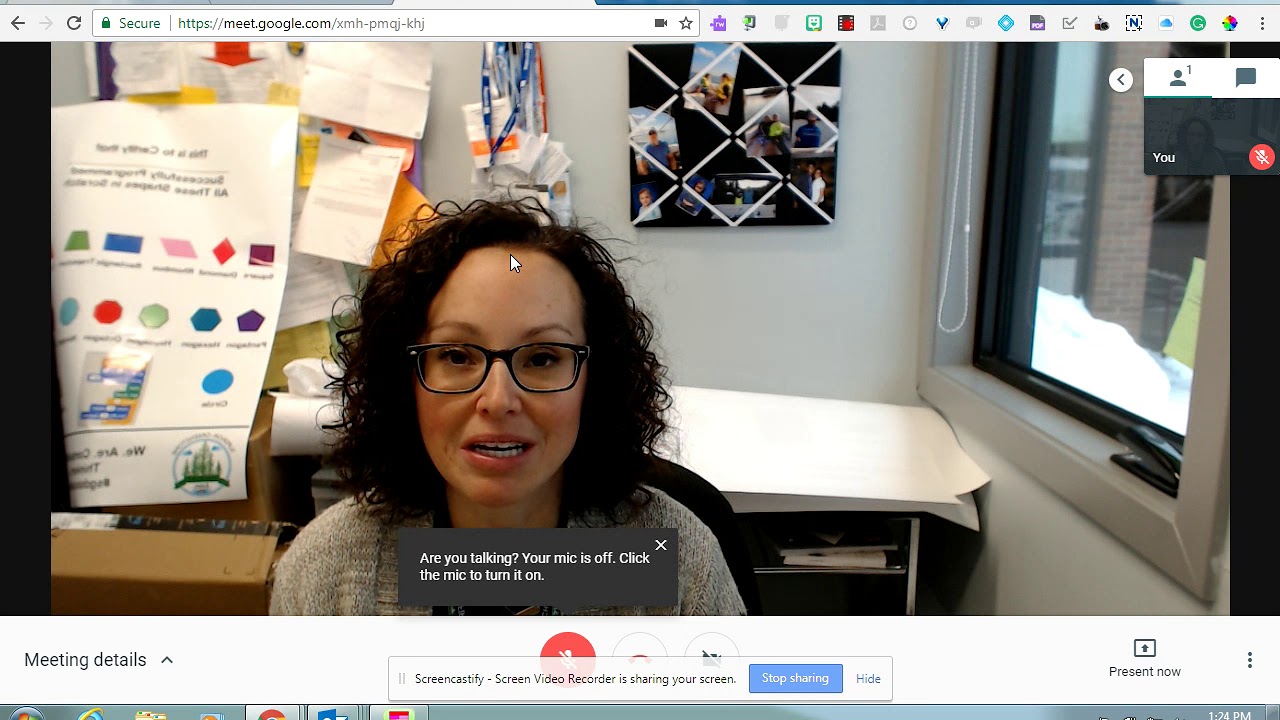

Googlemeet: four steps to putting in google's video chat app, unfastened. google's meet video conferencing service is a zoom competitor, and is now unfastened for every person to apply for non-public video chats. See greater films for a way to use google meet.


Komentar
Posting Komentar